Create Ghost Mannequin Images for Amazon, Shopify, and Your Store
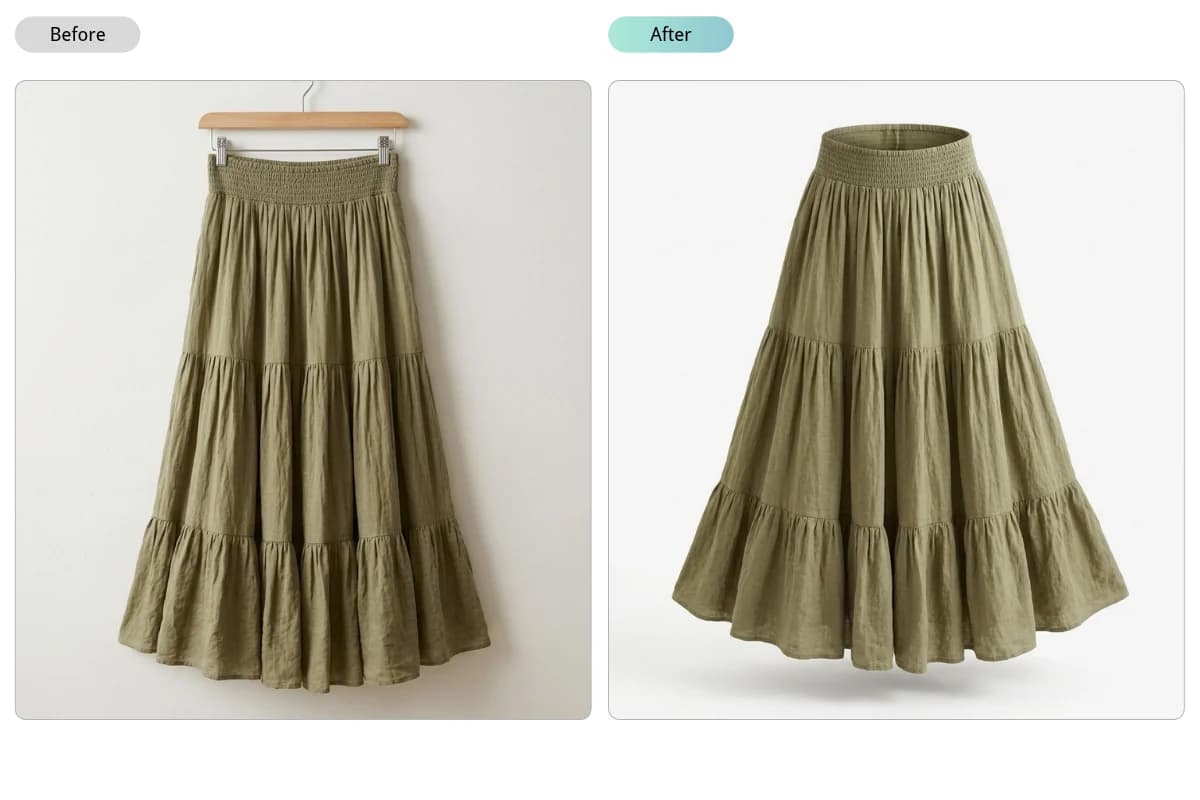
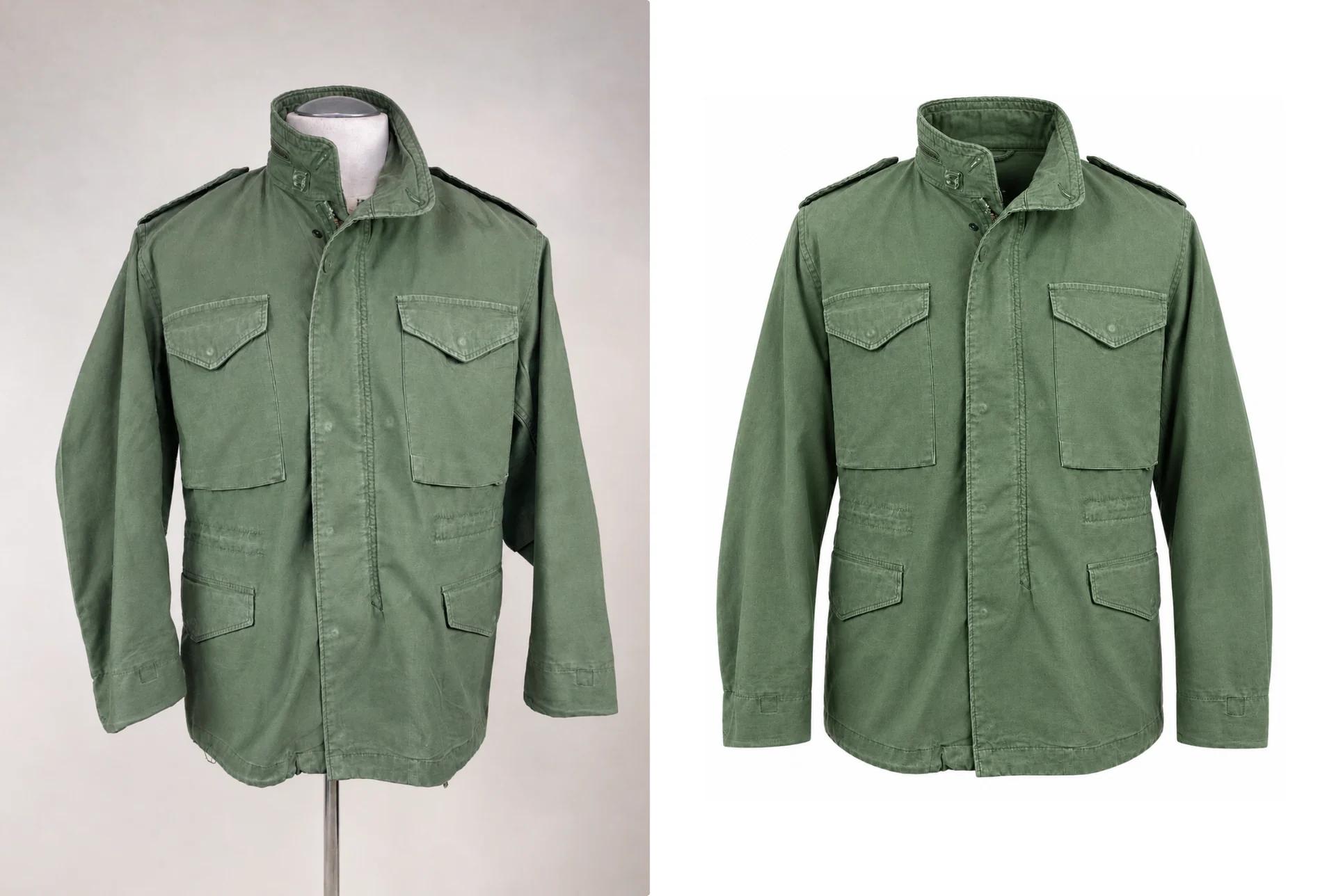
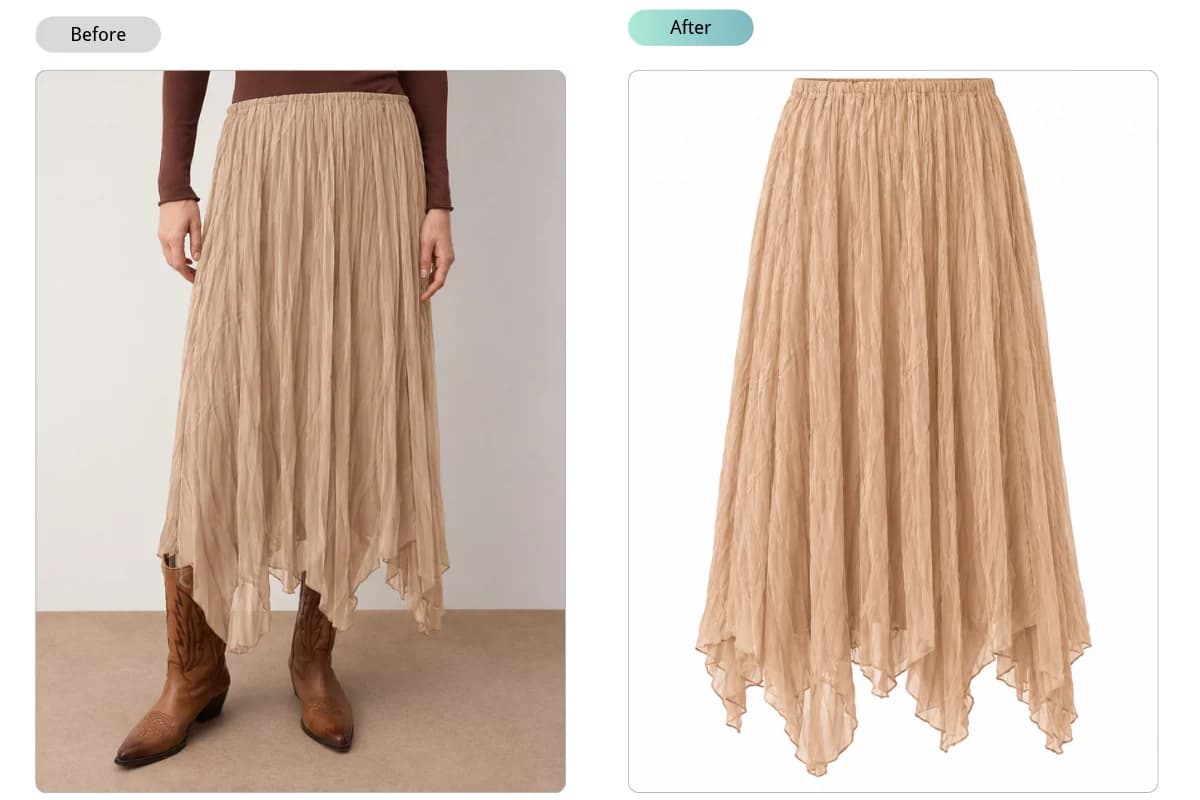
Show the shape of a jacket, the taper of trousers, or the pleats of a skirt in product galleries. Add a centered white-background image alongside your model and detail shots.
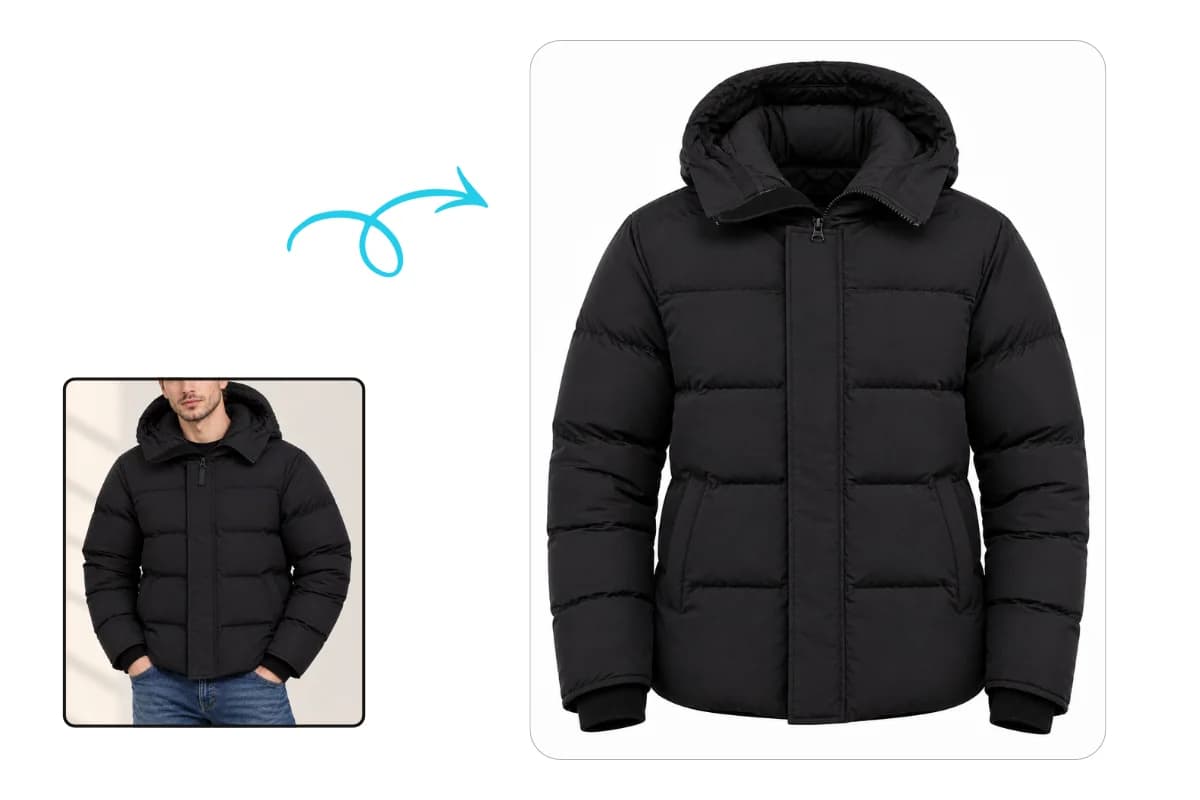
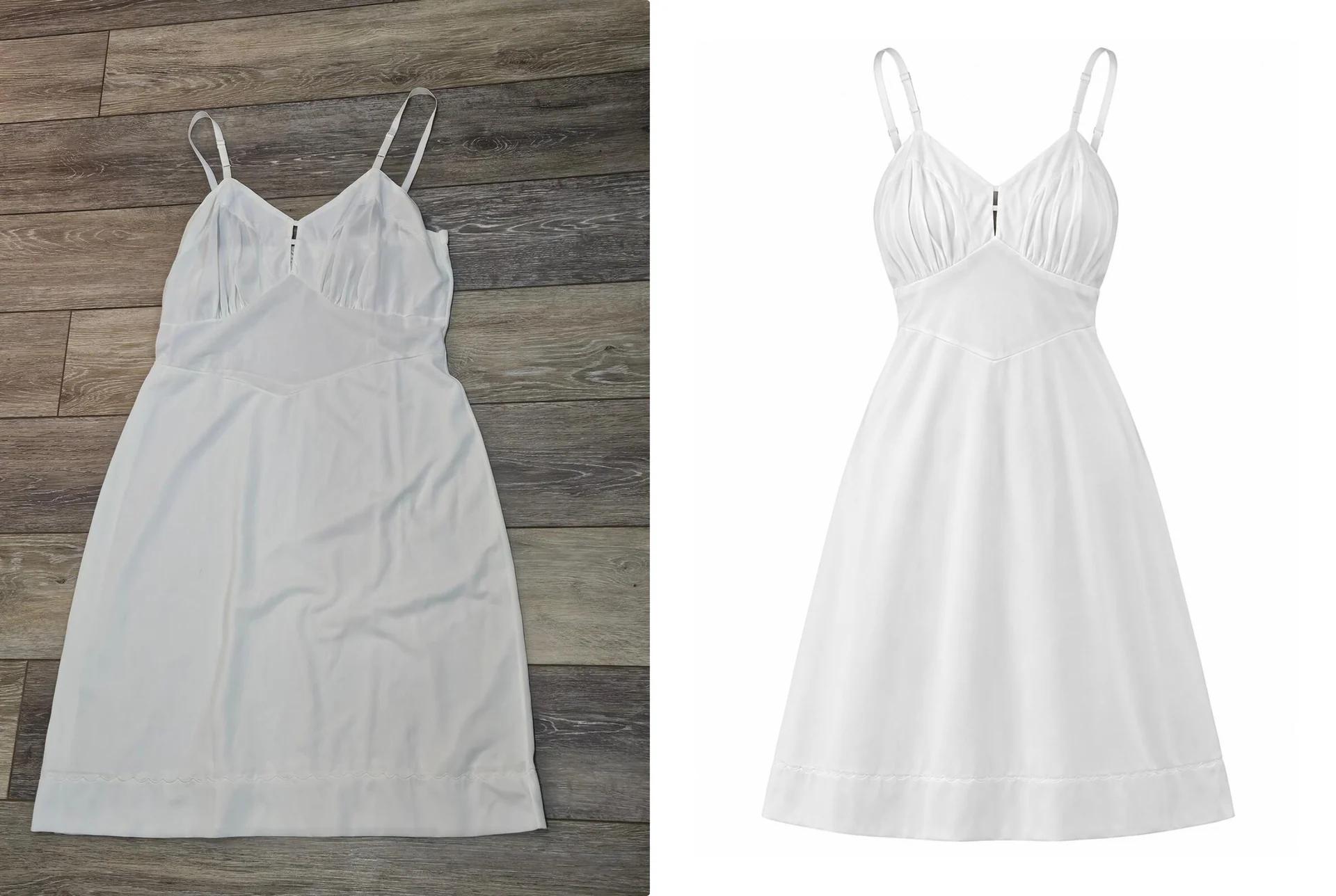
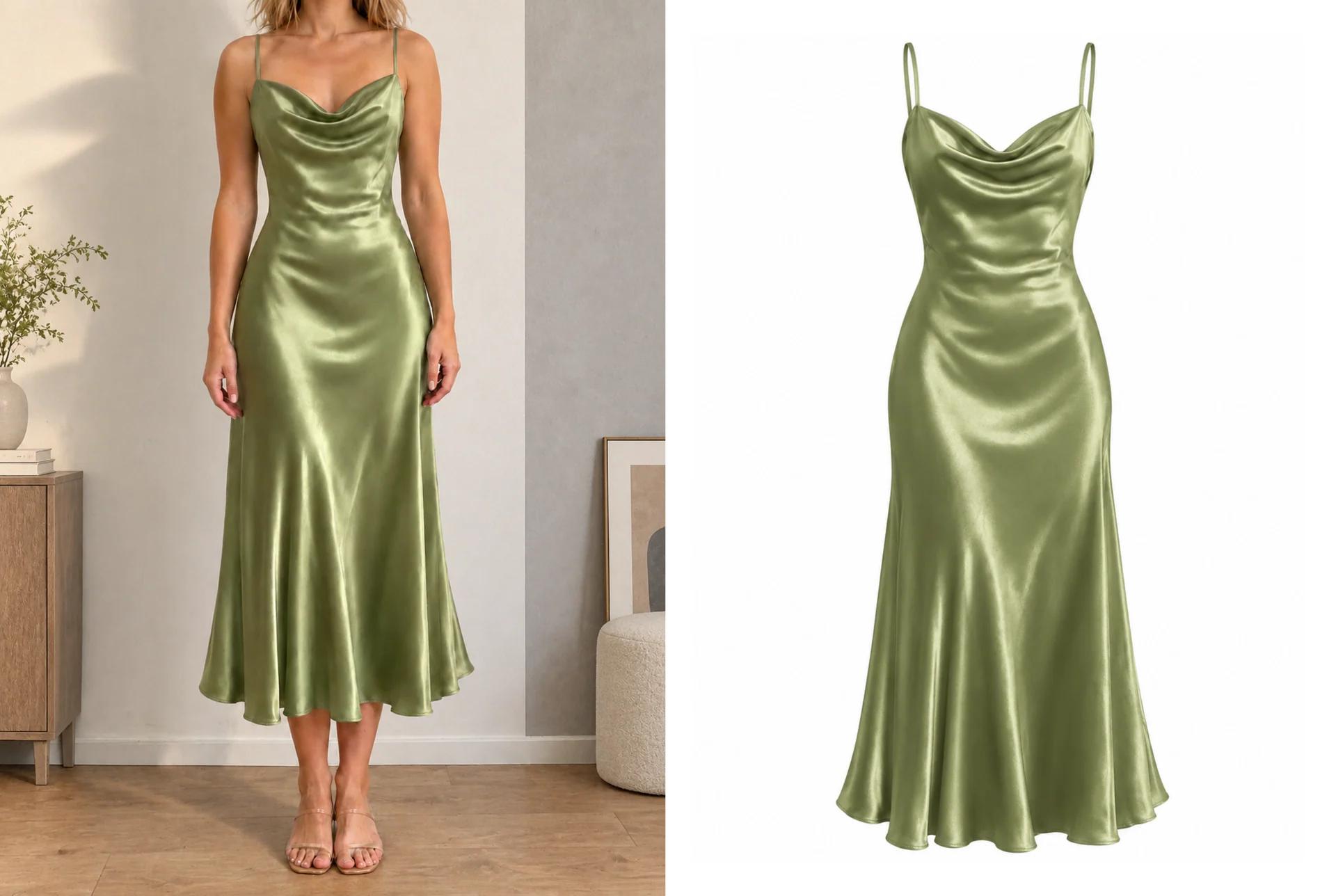
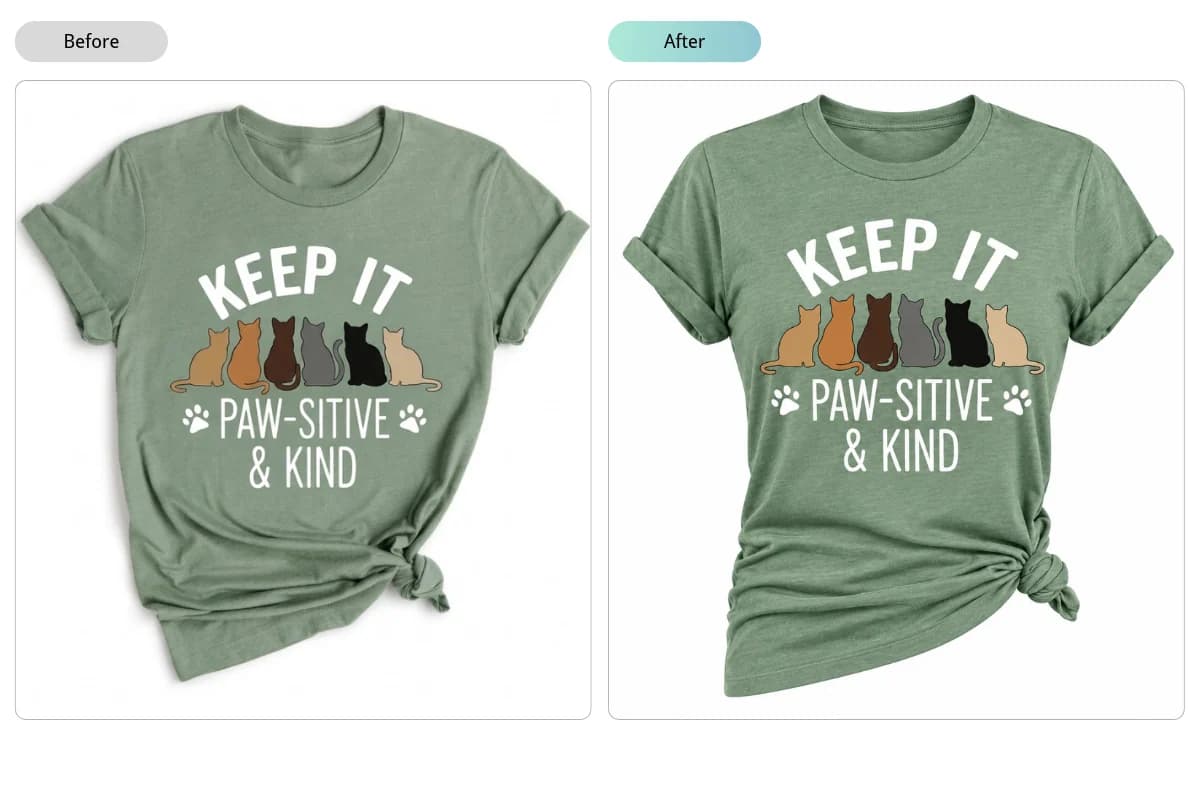
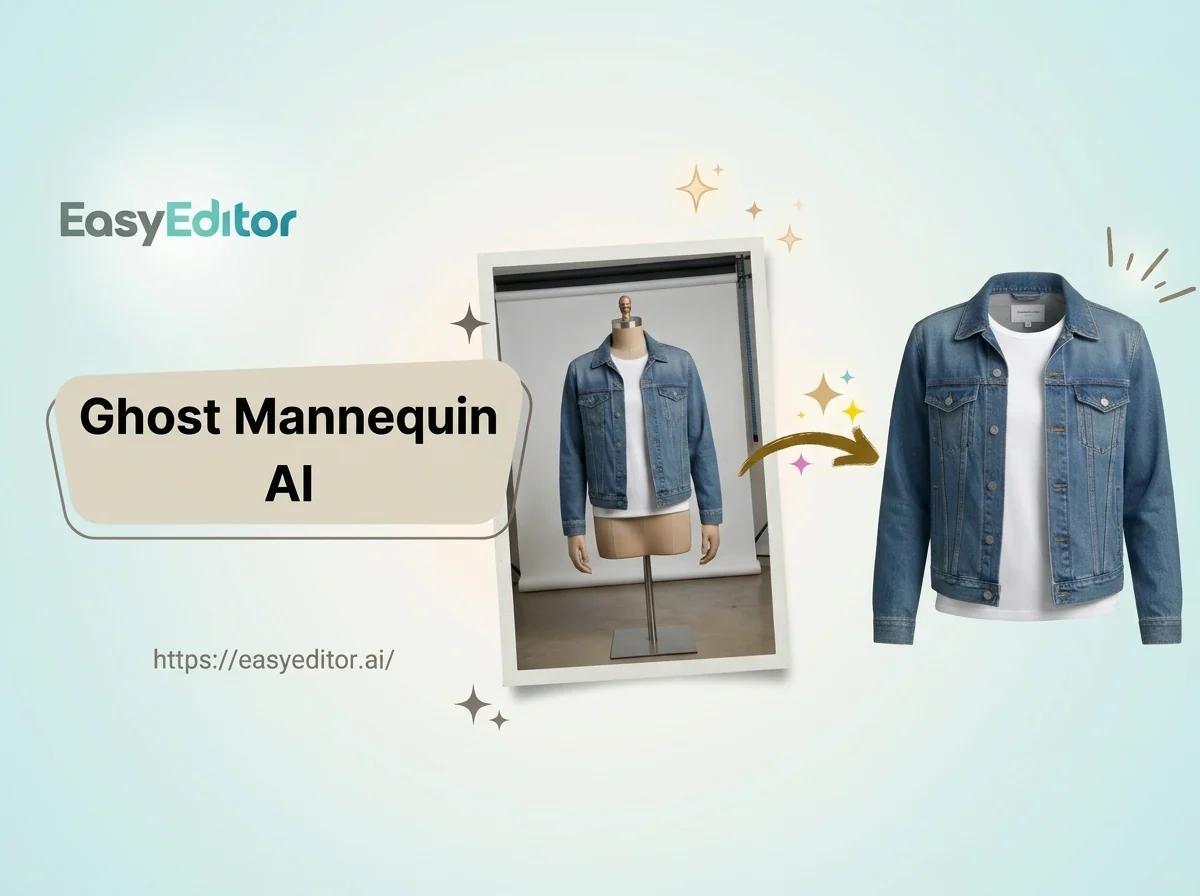
Turn mannequin, hanger, or flat lay photos into ghost mannequin images. AI recreates how each garment looks when worn, preserving its cut, fabric texture, and natural drape.
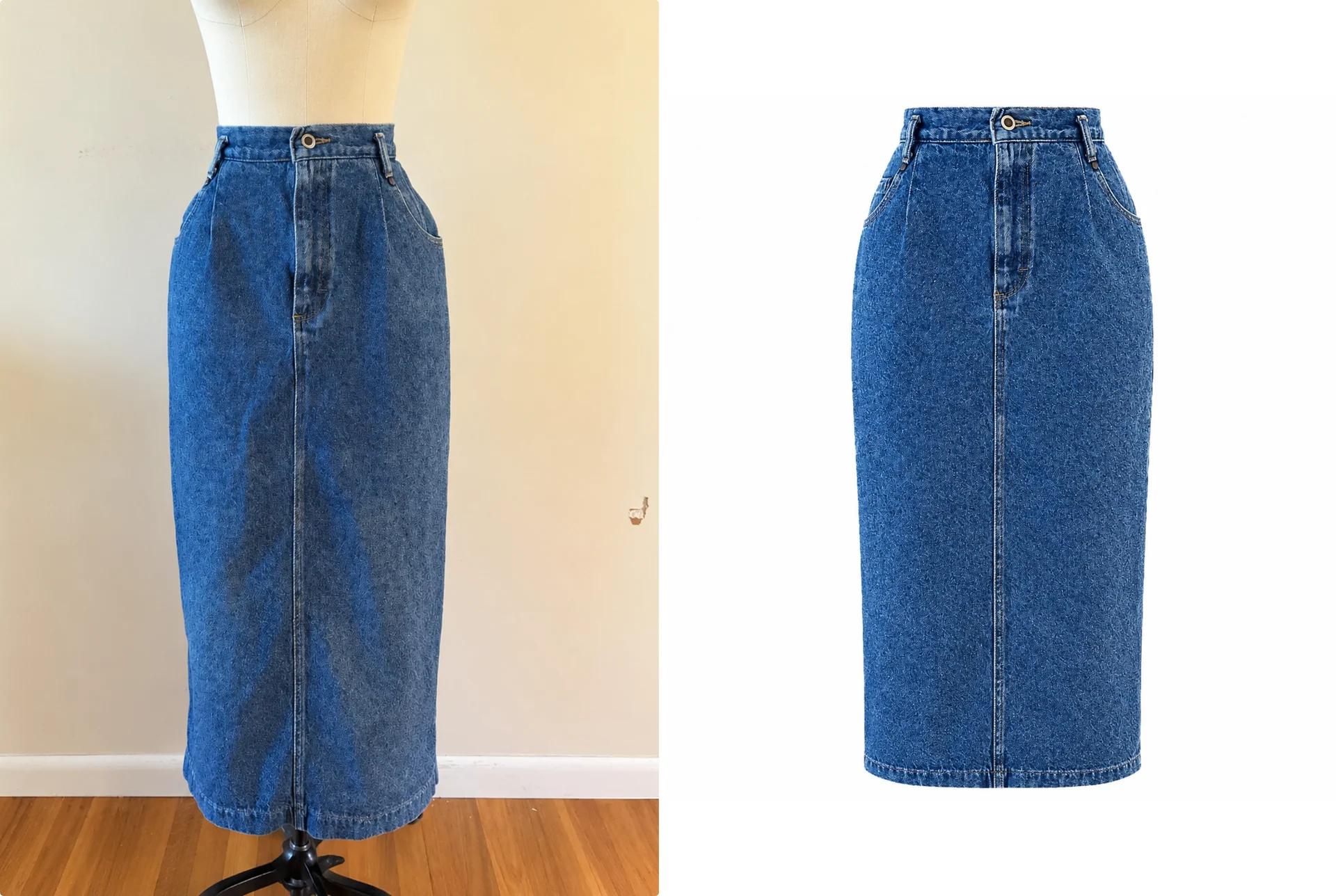
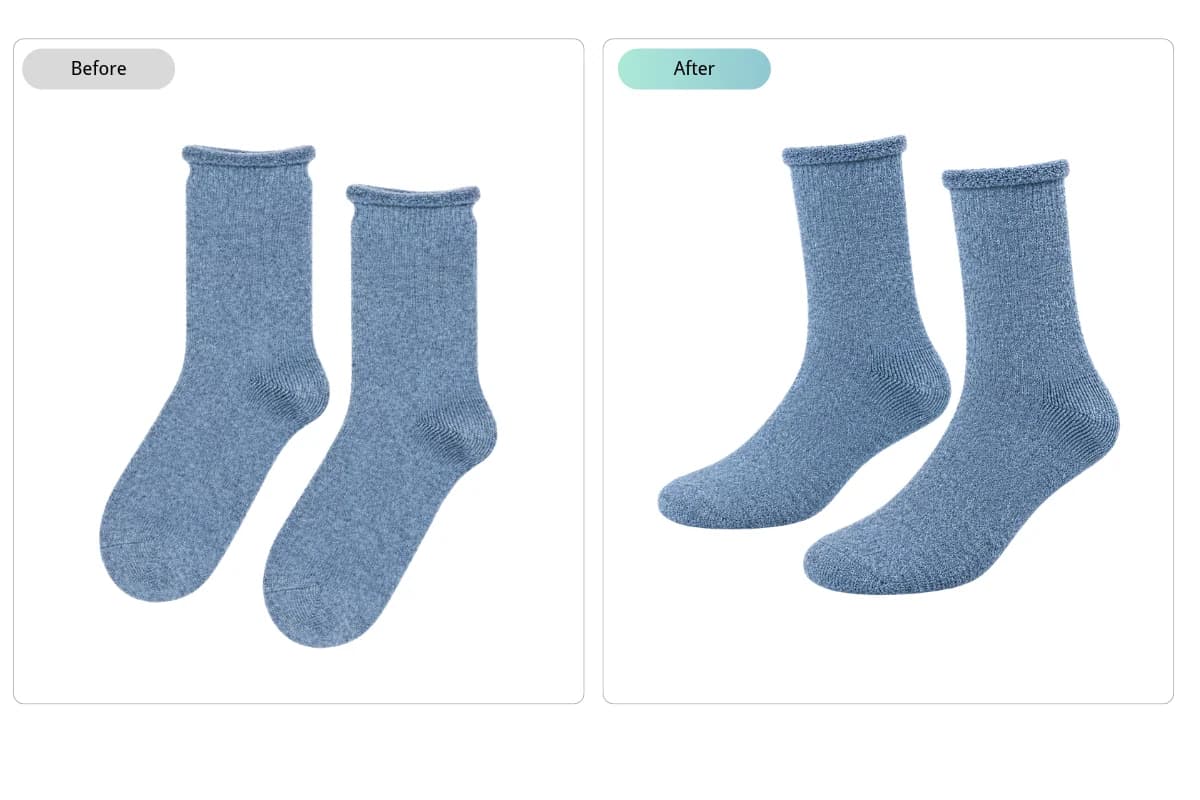
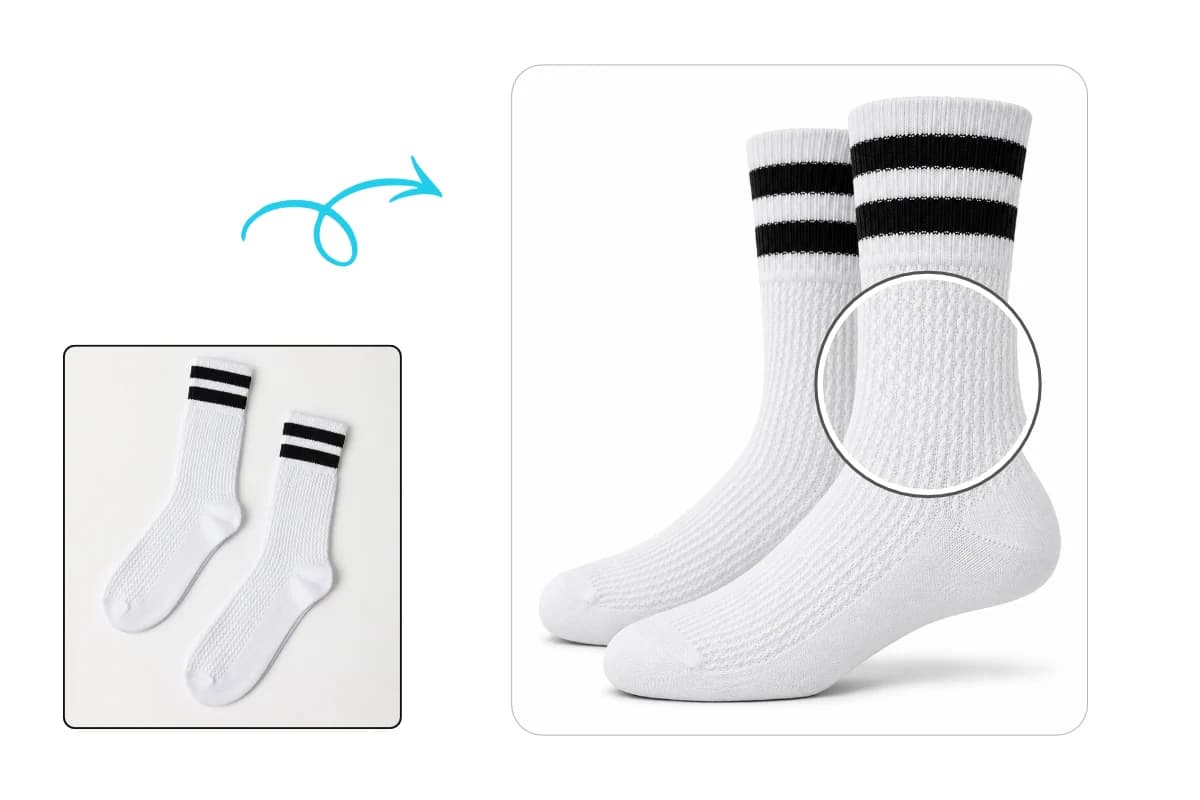
Also called the invisible mannequin or hollow mannequin effect, this style gives clothing a naturally supported shape with no visible person, mannequin, or hanger. Showing the inside of the neckline adds depth and reveals details such as the back collar or lining. Ghost Mannequin AI brings that look to an existing product photo, from the drape of a dress to the heel and toe profile of a sock.
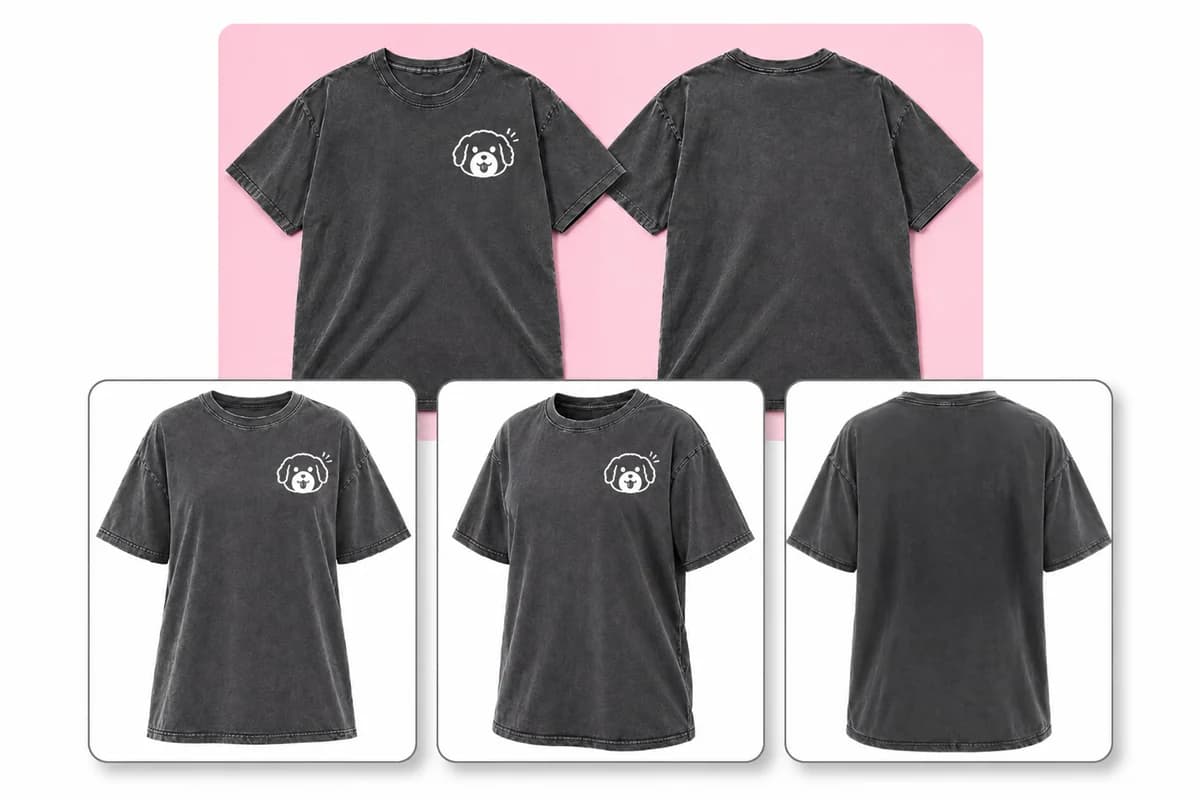
Use the same set of product photos to create multiple views of an item, from a t-shirt’s front and back to a sock’s side and sole. Add source photos of the sides you want to show. The shaping adapts to each garment category, so a pleated skirt keeps its drape and a tailored jacket keeps its structure.
A ribbed collar, a tailored lapel, and a soft knit each need a different treatment. Ghost Mannequin AI uses details from your product photos to retain the garment’s proportions, neckline, stitching, and fabric texture. Natural folds and drape help shoppers see how the piece is cut and how the material falls.
Give a whole collection a cohesive studio look with consistent image sizing, product scale, framing, and lighting. A shopper moving between styles and colorways gets a recognizable brand presentation and a clear view of what makes each garment different.
Build catalog images from the photos you already have, with a workflow your team can use without advanced retouching skills. Compared with a traditional ghost mannequin photography workflow, reusing source photos can cut the time and cost of reshoots and manual compositing. Matching detail shots help keep the finished images faithful to the items you sell.
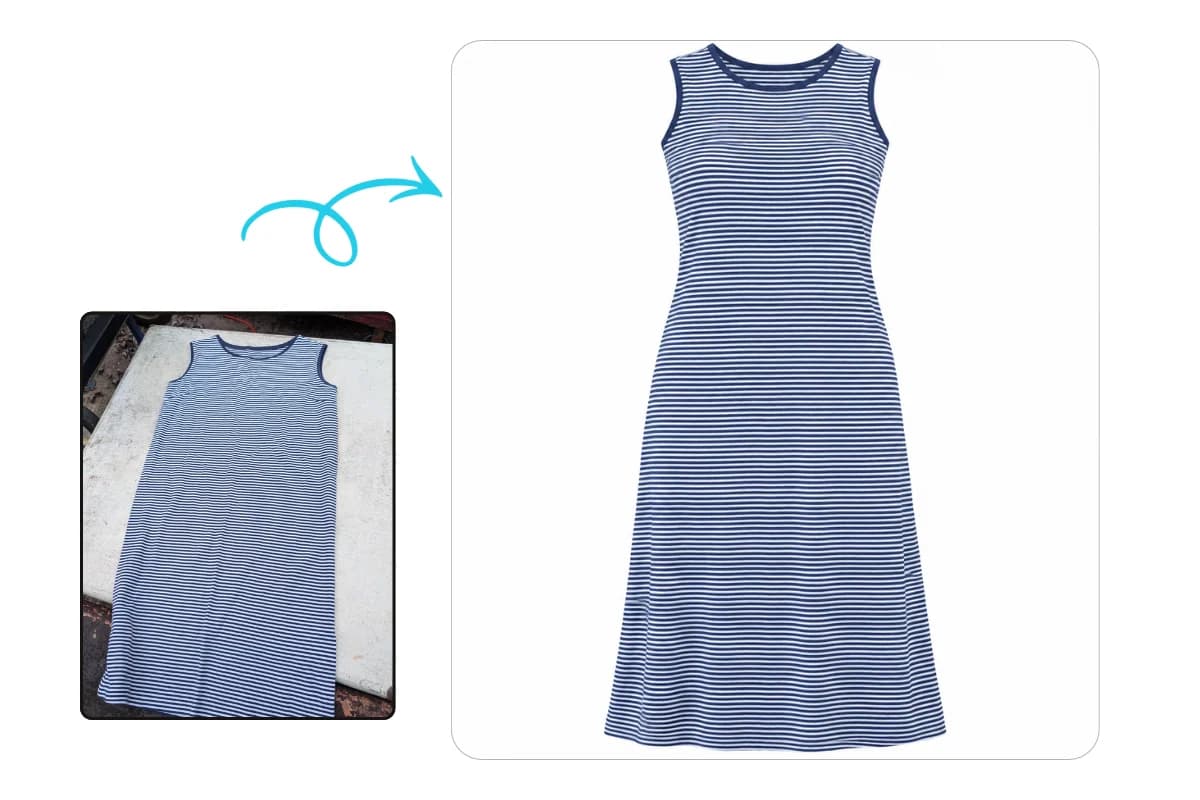
Upload a clothing photo, choose your output, and download the result.
Choose a mannequin shot, hanger, or flat lay photo that clearly shows the item. Start with an image that clearly shows the garment and its neckline. If another side or a small detail matters, add a photo of that area from the same product.
Select the garment category and choose a view that shows the details you want to highlight. Set the image’s aspect ratio and resolution to fit your product listing or catalog.
Check the ghost mannequin preview against your source photos, paying attention to details like print placement and fastenings. Download the result as a PNG when it’s ready for your listing or catalog.
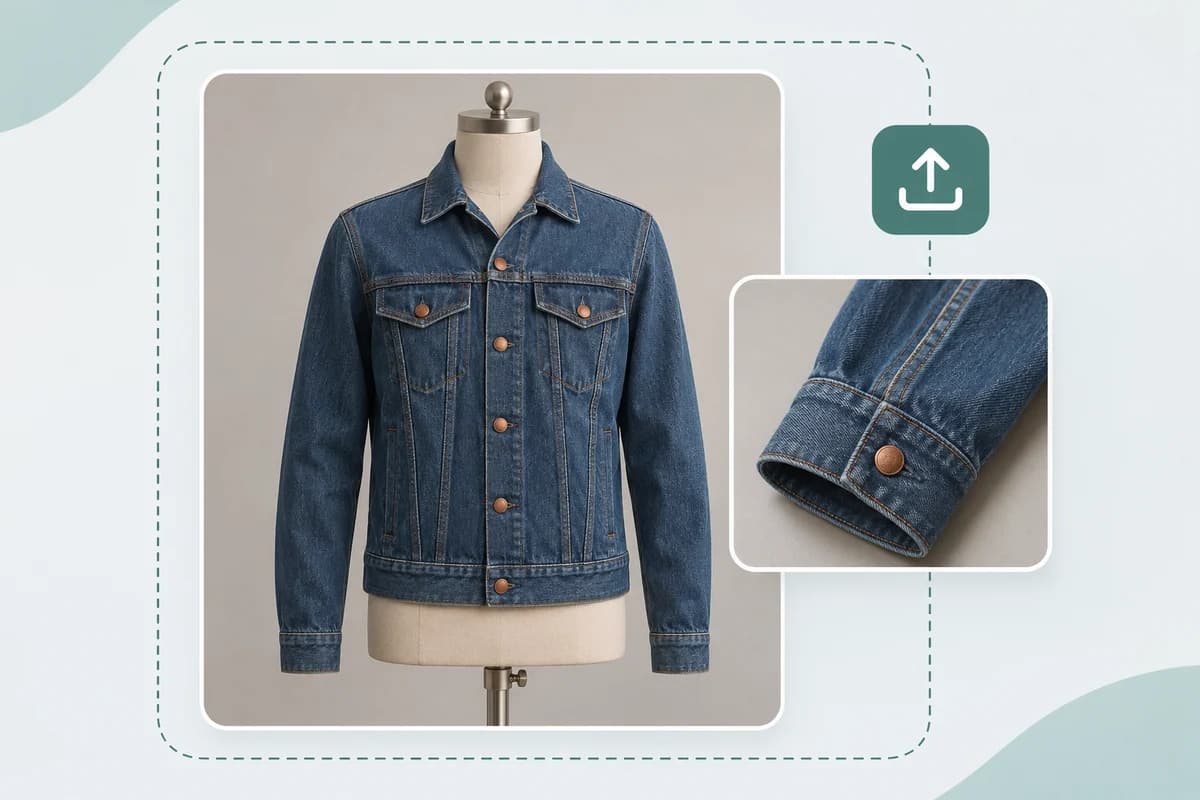
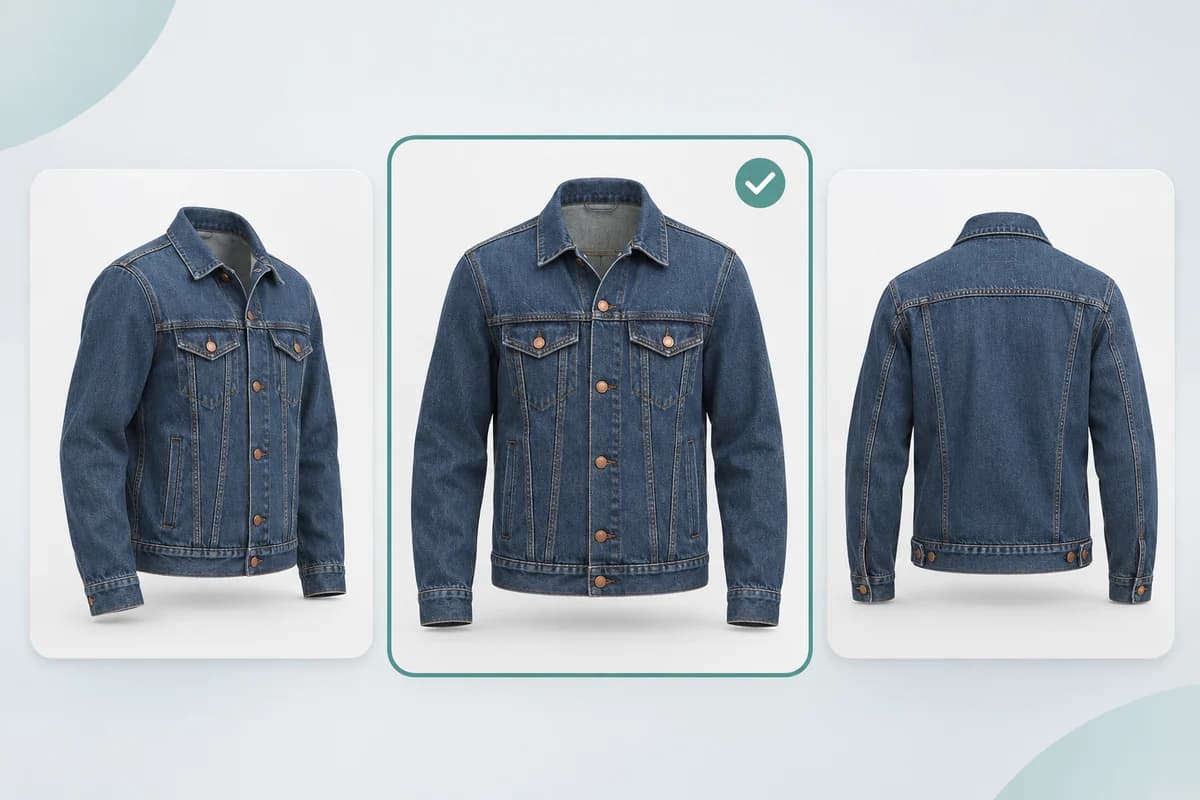
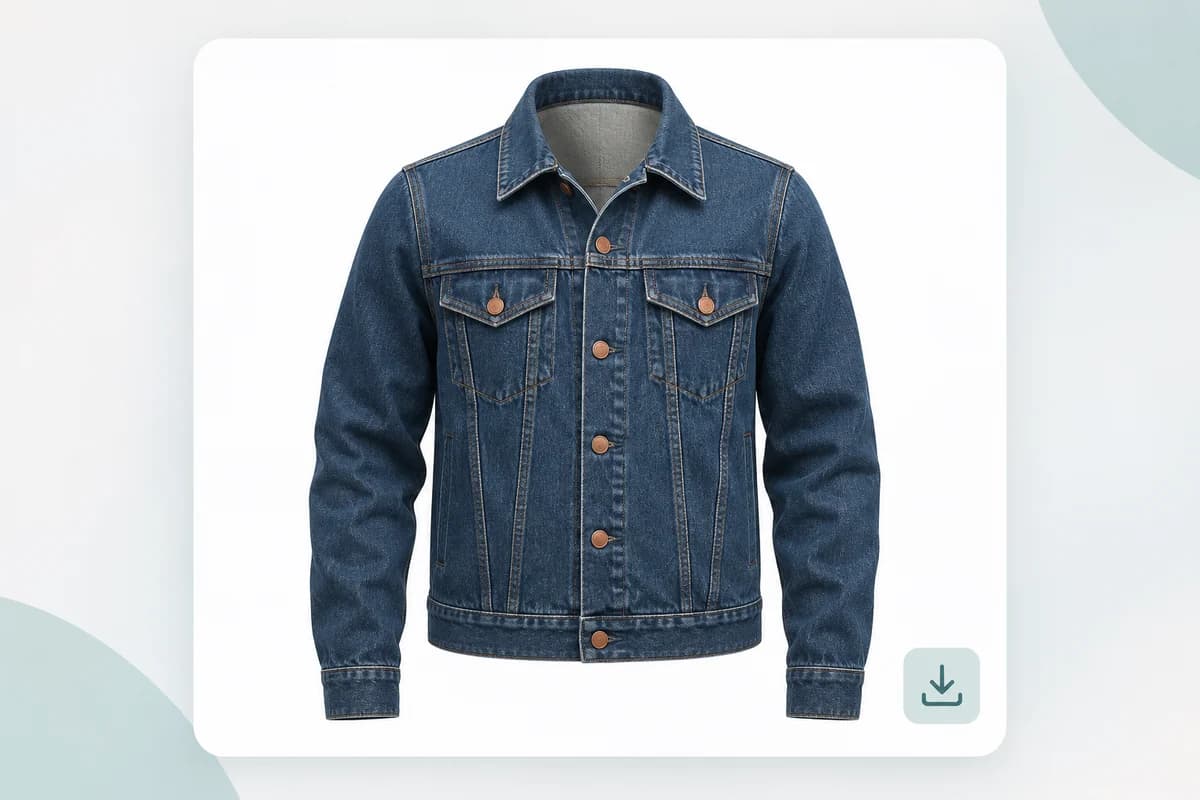
Create clothing images for product listings, client galleries, catalogs, and ads.
Show the shape of a jacket, the taper of trousers, or the pleats of a skirt in product galleries. Add a centered white-background image alongside your model and detail shots.
Compare the cost, turnaround, and setup for creating ghost mannequin photos from existing images or booking a studio shoot.
| Compare | Traditional Ghost Mannequin Photography | Ghost Mannequin AI |
|---|---|---|
| Cost per image | $50–$65 per image at one U.S. studio, depending on order size. Includes photography and retouching. | From $0.10 per image using your existing product photos. |
| Turnaround | 3–5 business days for standard studio delivery. | Typically under a minute Preview your image as soon as it’s ready. |
| Setup | Physical samples. Send garments to the studio for styling and photography. | Existing photos. Start with a mannequin, hanger, or flat lay photo. |
| Catalog consistency | Matched studio setup. Match lighting and framing across shoots. | Consistent output settings. Use the same aspect ratio, resolution, and white background across styles. |
| Revisions | Retouch or reshoot. A new angle may require another shoot. | Adjust and regenerate. Change the angle or add a reference photo of the same garment. |
| Garment detail | Photographed details. Shoot the inner neckline, lining, or cuffs separately for compositing. | Reference-guided details. Use existing detail photos to show areas hidden in the main image. |
Ghost mannequin photography preserves the three-dimensional shape a garment takes when worn, with the mannequin removed from the final image. In a traditional shoot, any details the mannequin hides, such as the inside of the neckline, the back neck label, the inner waistband, or the inside of the cuffs, are photographed separately and composited into the final image. This ghost mannequin effect lets shoppers focus on the garment’s cut, construction, and fabric texture.
Upload a flat lay, hanger, or model photo to Ghost Mannequin AI. Choose the angle that best shows your product and preview your white-background image.