Skip to content
image_generator

AI Image Editor

hero
FreeNo signup required

AI Image Editor with Prompt – Editing for Everyone, No Skills Required

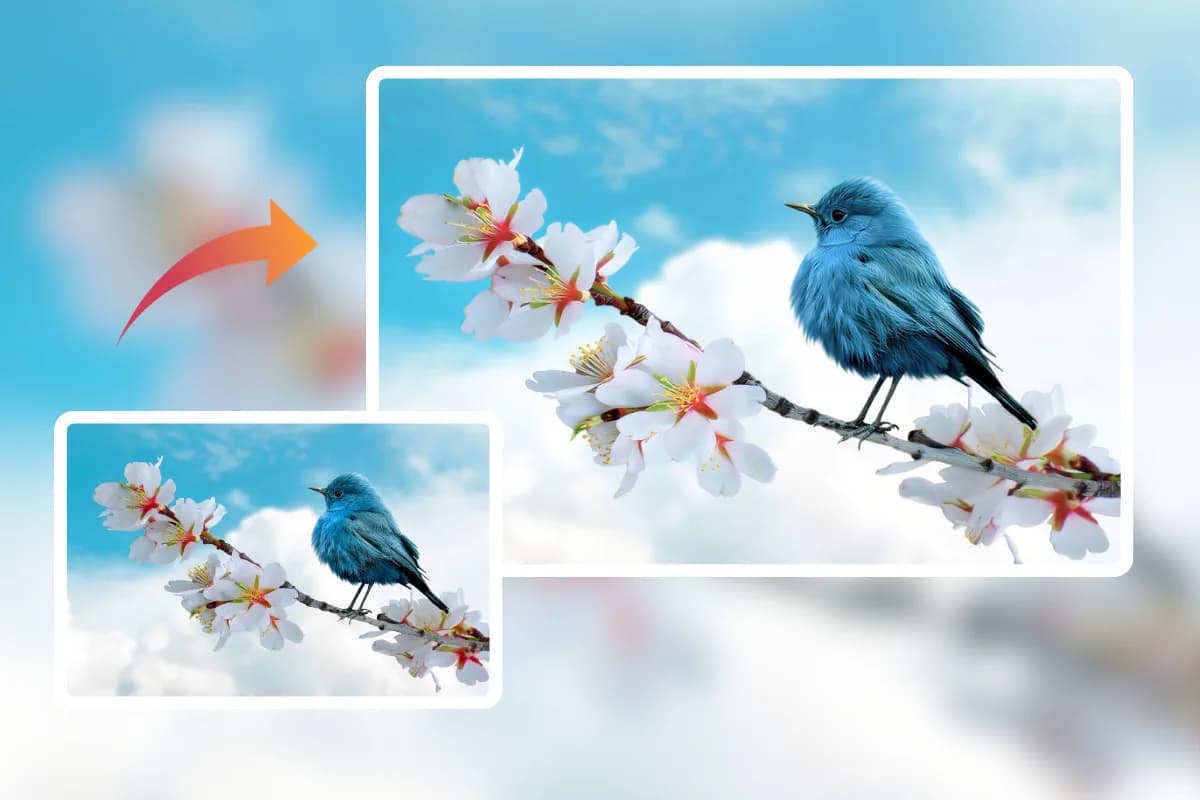
Edit your photos in seconds: upload, describe your needs with simple text or draw over specific areas, and free download without watermark. No PS skills needed—enjoy a fast, convenient, and high-quality workflow on one page.

Upload, prompt, and generate in seconds.

hero
features-list

Why Choose Us

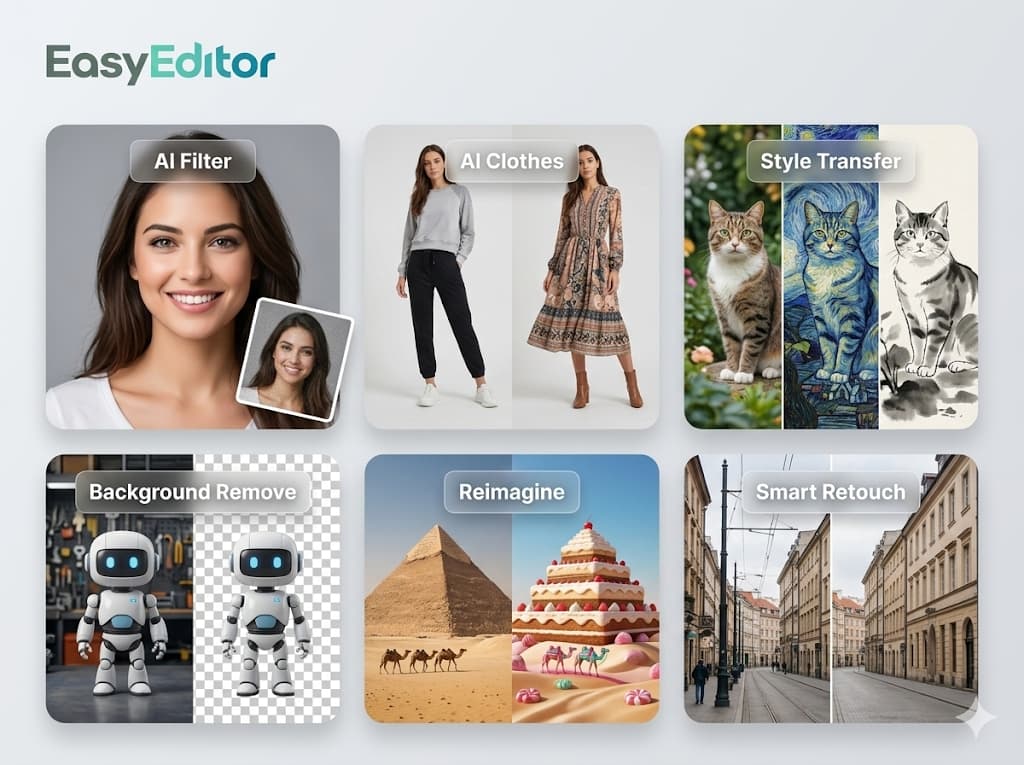
Why Choose Our AI Photo Editor

High Content Consistency

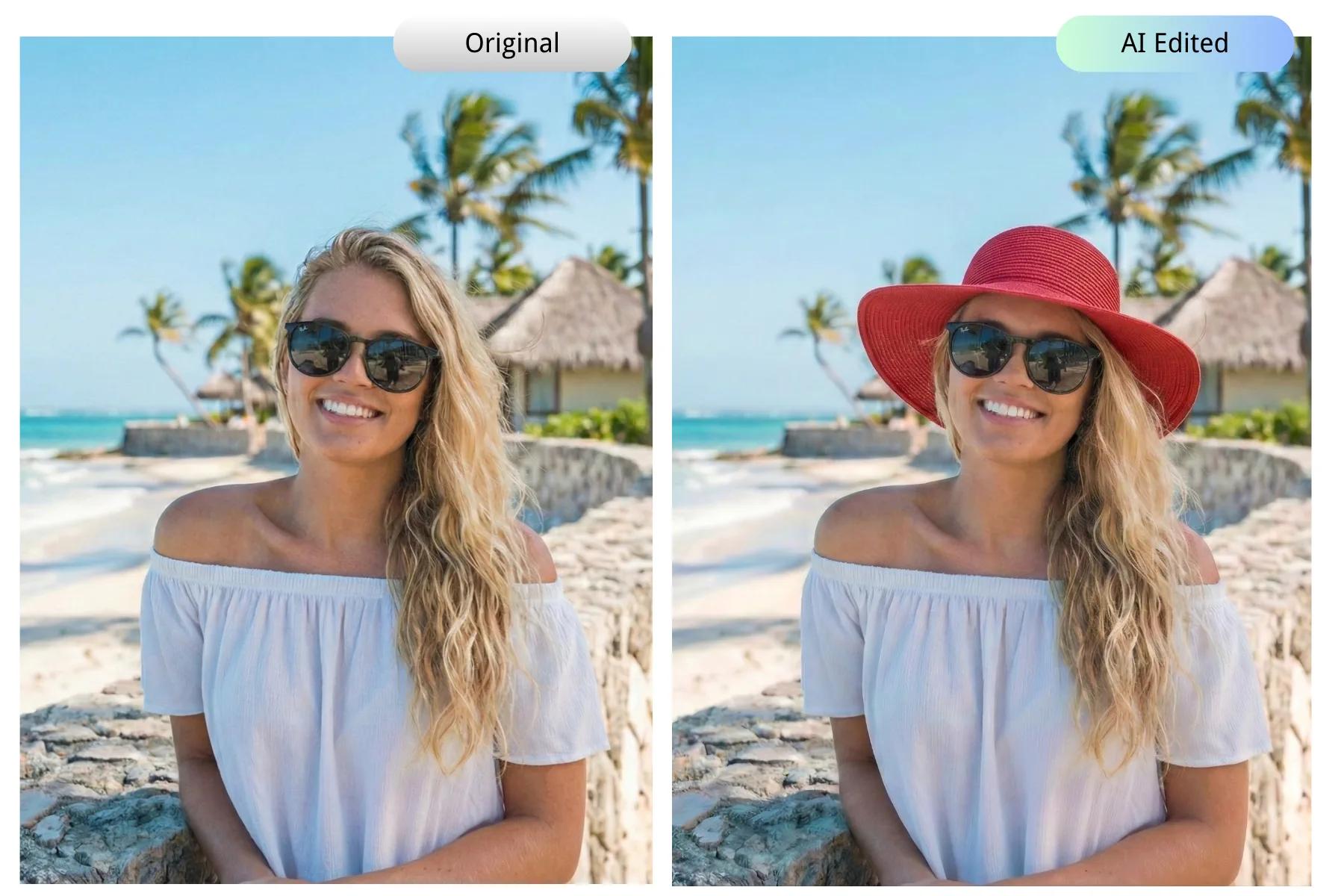
Powered by the advanced Nano Banana model, our AI image editor maintains perfect character and style consistency. It preserves the person's identity, facial features, and texture intact, even after significant edits like background or clothing changes.

Split screen of a woman on a city balcony and a beach, maintaining consistent features using AI image editor.

Prompt-Based Editing

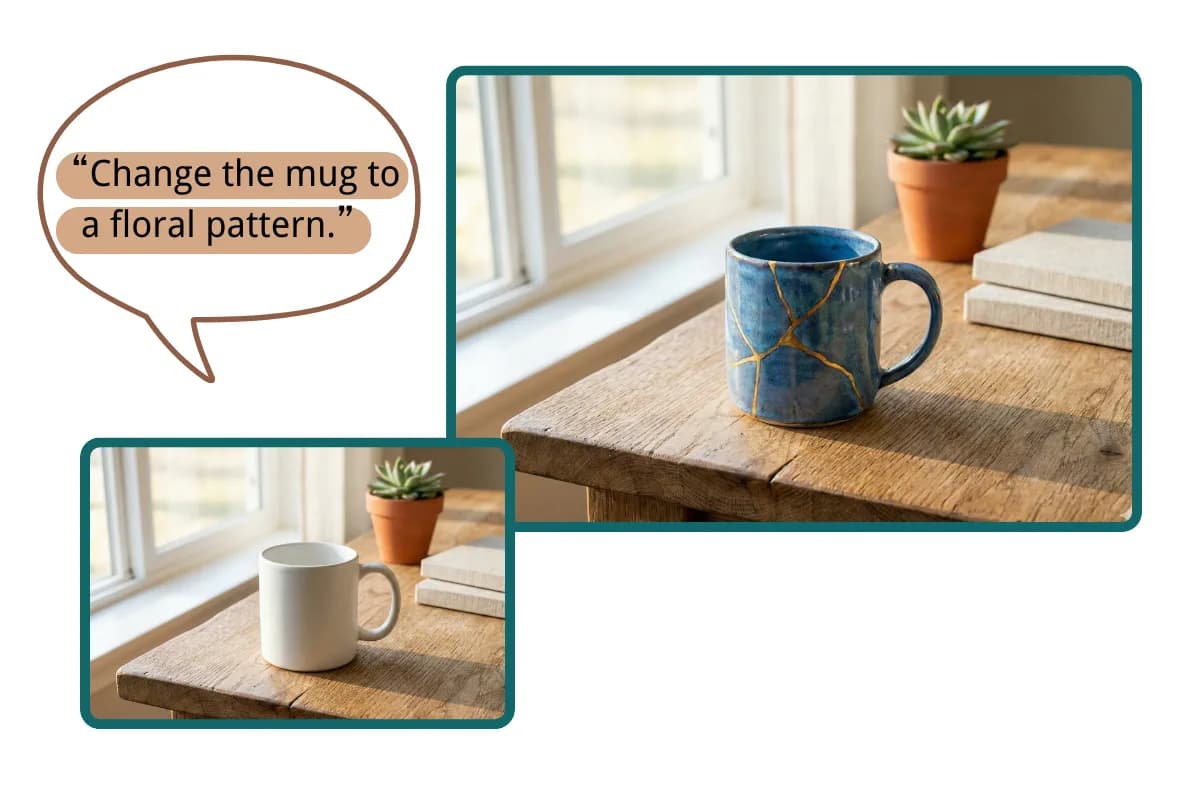
Edit images simply by chatting. Combine natural language editing with intuitive brush controls to guide the AI. This AI image editor understands your prompts like a human, making complex edits as easy as texting.

A white coffee mug changing to a floral pattern via a text prompt box in an AI photo editor.

Smart Multi-Image Blending

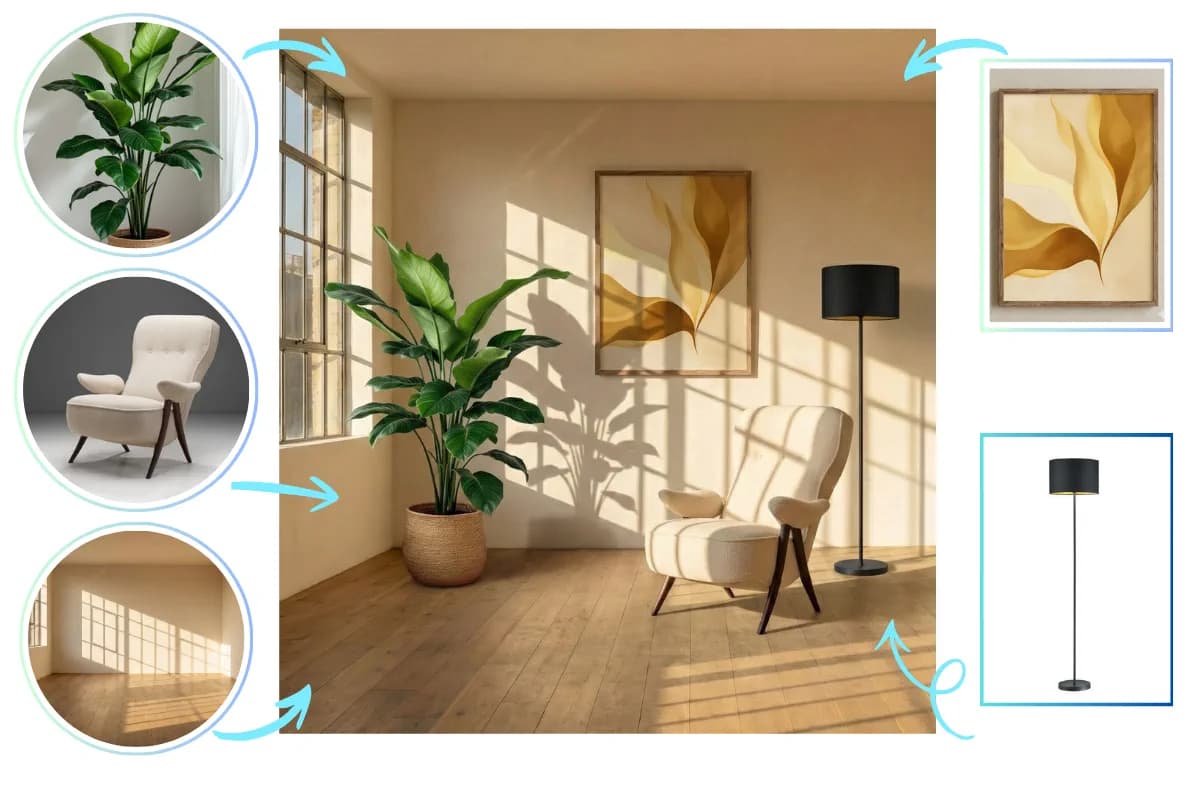
Easily combine up to 5 images into one scene. Our AI image editor handles multi-image blending intelligently, automatically matching the lighting, perspective, and colors of all uploaded assets for a seamless composite.

Furniture, plants, and wall art seamlessly blended into an empty living room using AI multi-image composite.

High-Definition 4K Output

Never compromise on quality. Generate and export images in stunning High-Definition 4K. Our AI photo editor ensures every detail is crisp and print-ready, perfect for professional displays, marketing materials, or large-scale art.

Magnifying glass UI showing crisp 4K details on a large macro photograph in a modern art gallery.

Advanced Text Editing

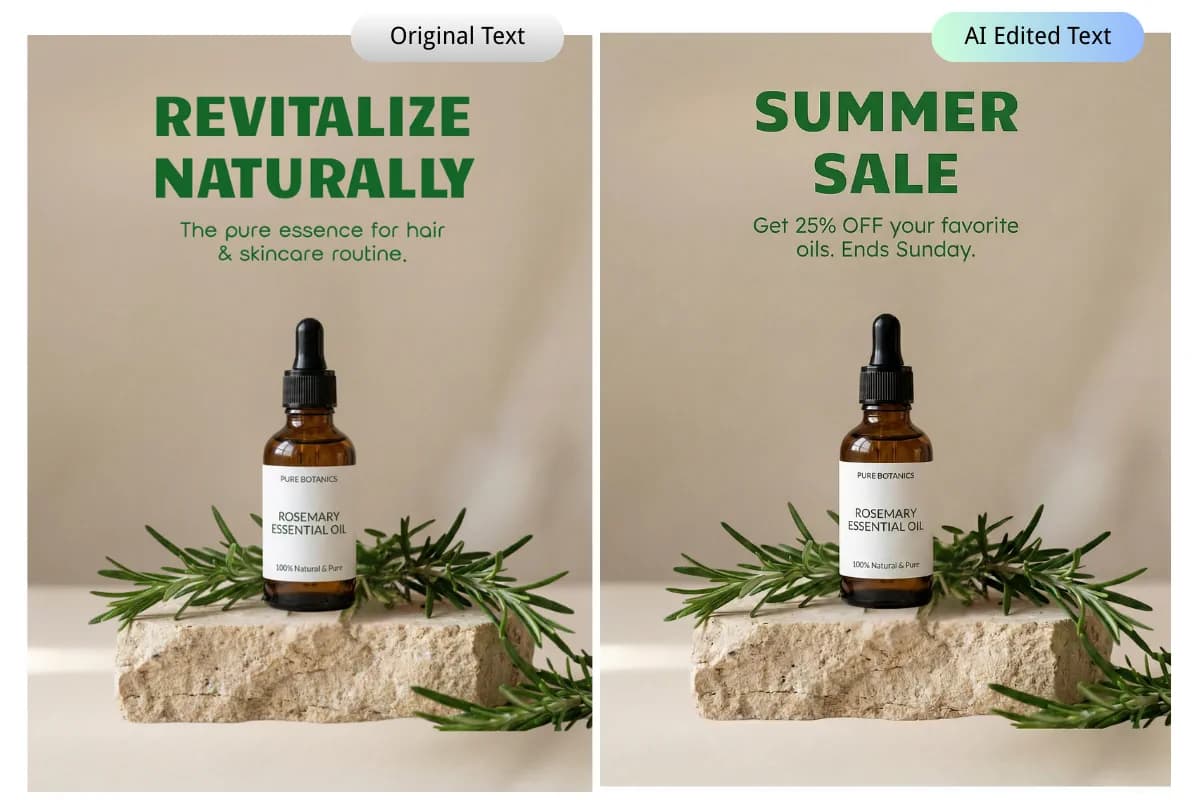
Experience flawless text rendering with our AI image editor. Generate crisp text in multiple languages or seamlessly update existing copy on posters, social media ads, and YouTube thumbnails —no more distortion or garbled text.

Skincare ad poster demonstrating advanced text editing by replacing promotional copy without altering the background.
how-to

How Does Our AI Image Editor Work in Three Simple Steps?

Upload, chat, and edit to get professional results in seconds.

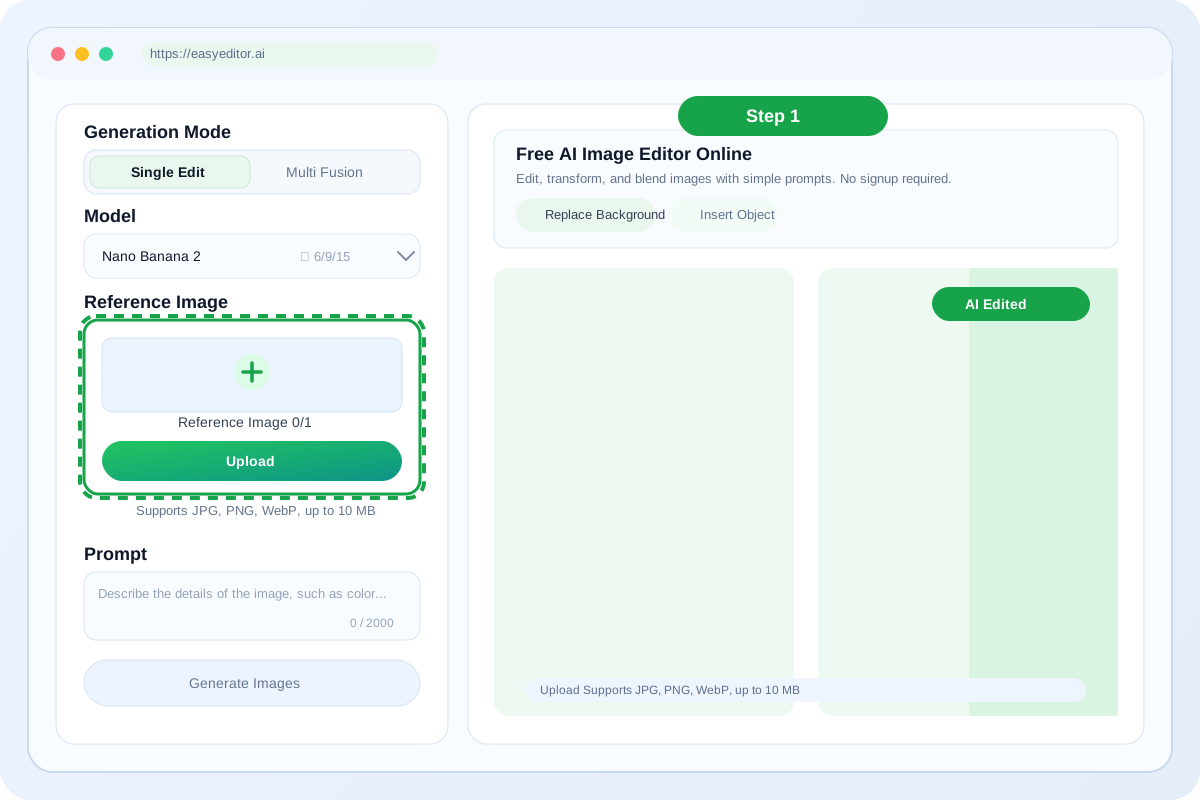
Step 1: Upload Your Photos

Upload up to 5 images (JPG, PNG, or WEBP) to our AI image editor to start your project instantly.

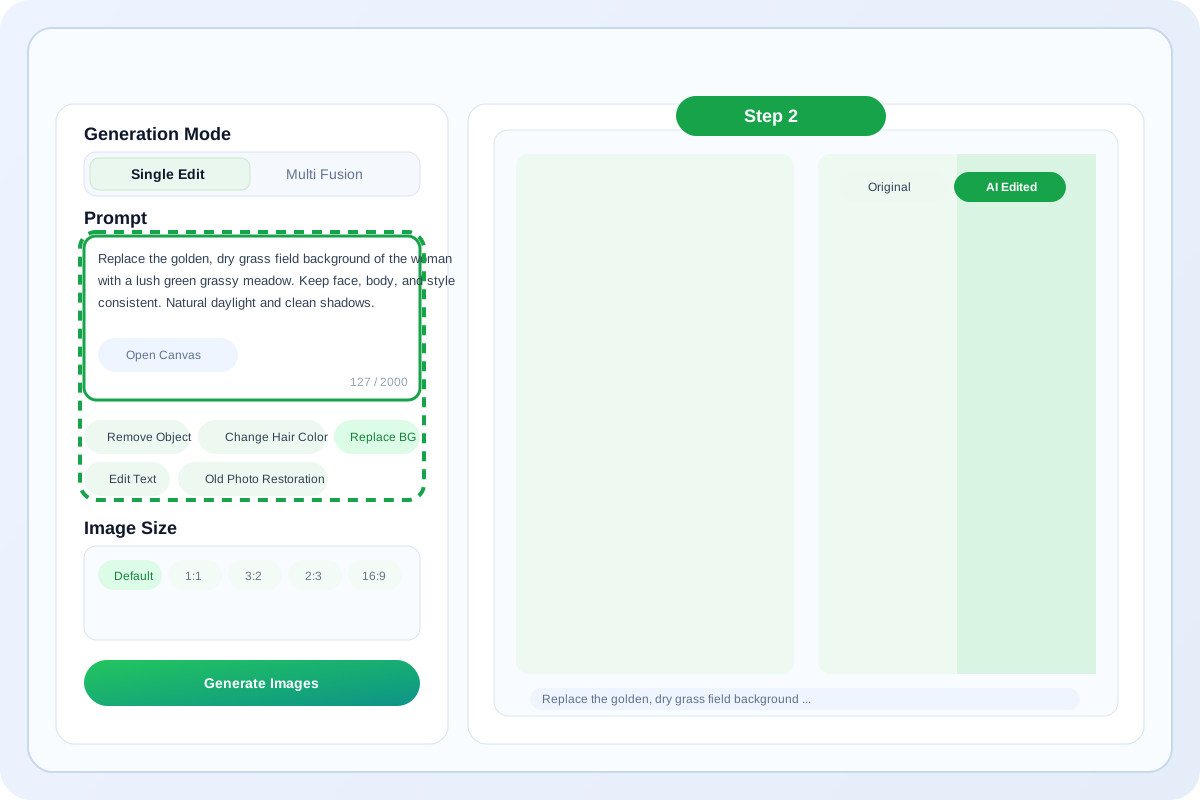
Step 2: Enter Prompt or Select Templates

Type a prompt or click a template. Use the brush tool for optional precision to guide the AI photo editor.

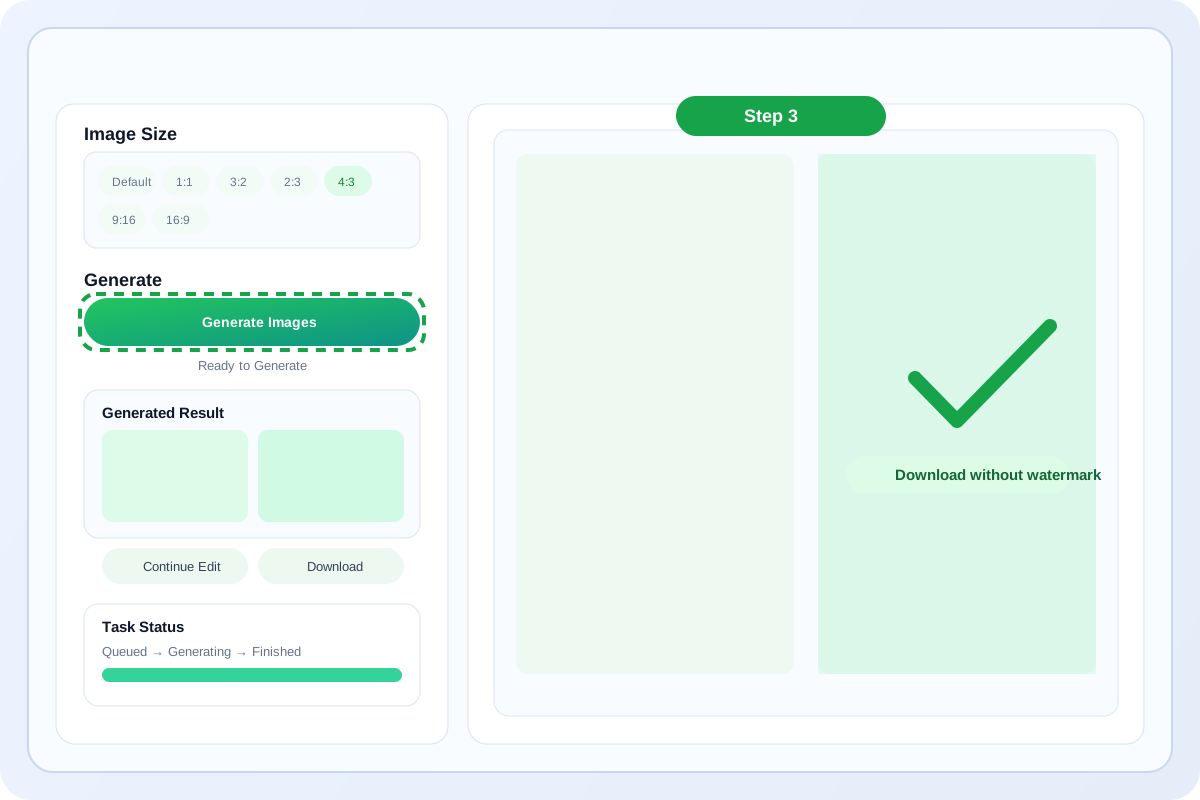
Step 3: Generate & Download

Select your resolution-up to 4K-then hit generate. Once satisfied with the high-definition result, download it instantly without any watermark.

how to
use-case

Perfect AI Image Editor for Creators, Businesses, and Everyday Editing

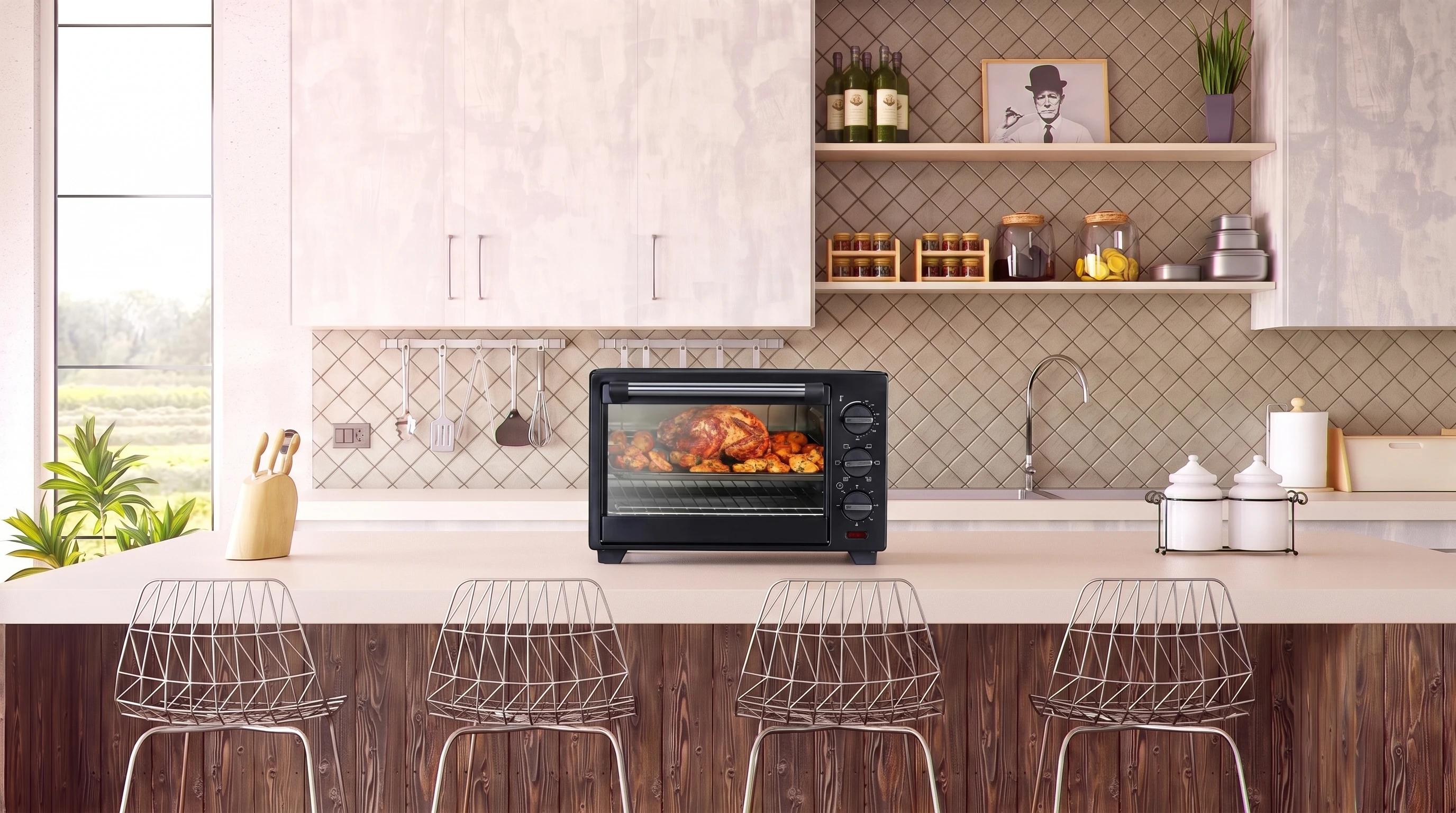
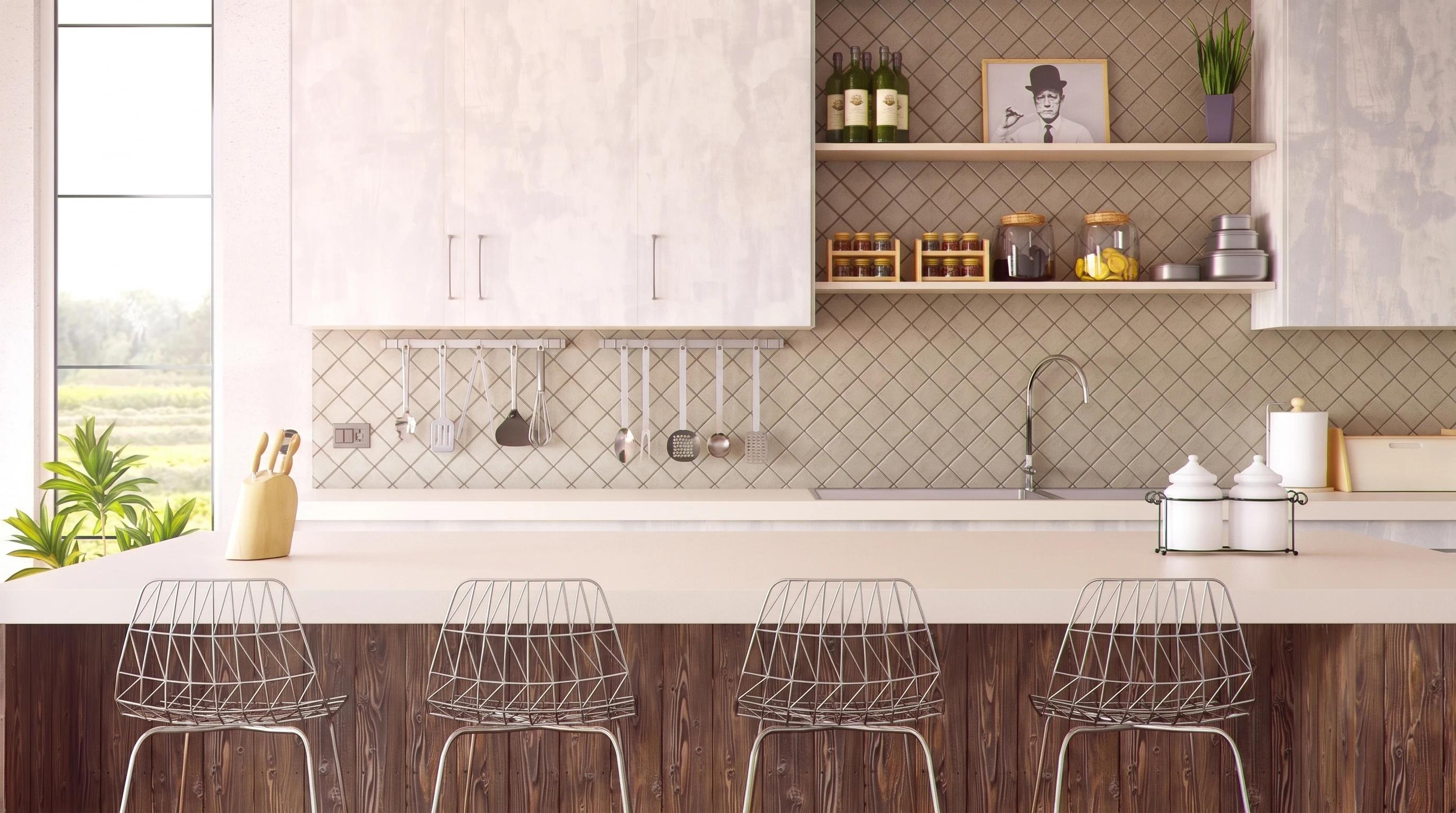
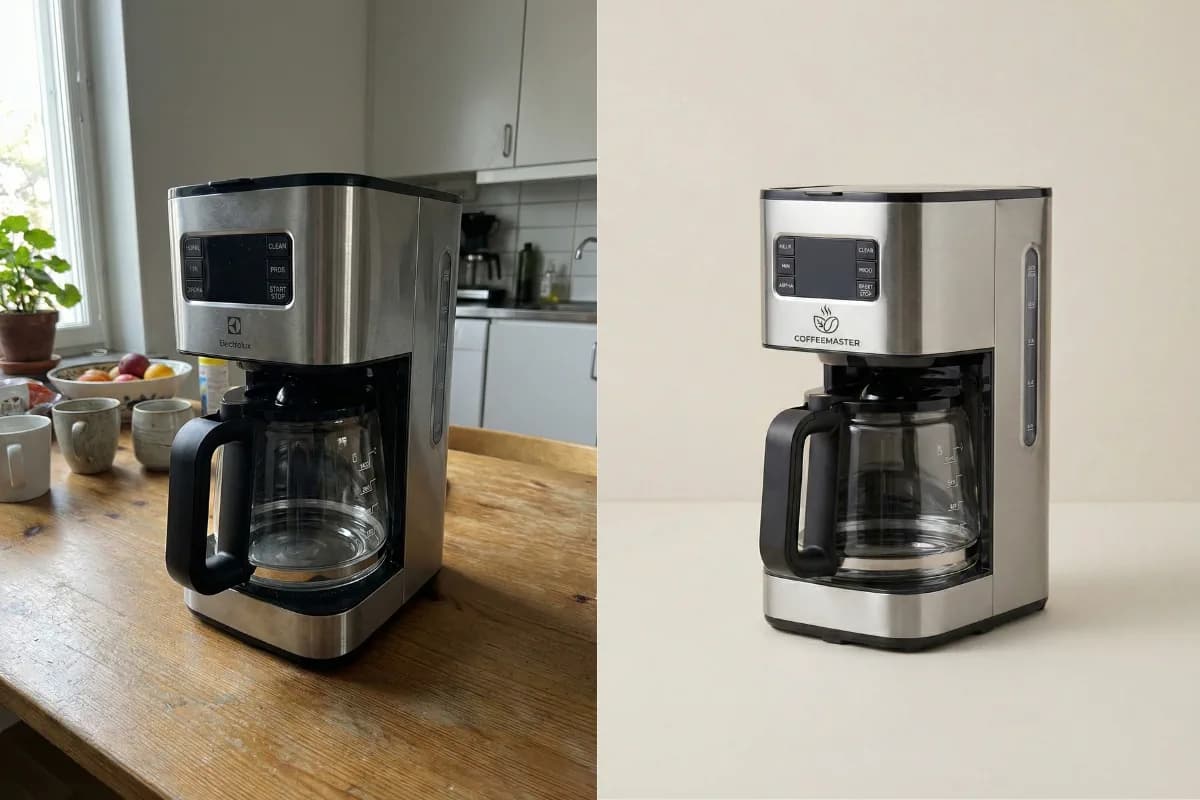
Before and after of a coffee maker transformed into a clean studio product shot using AI photo editor.

E-commerce Sellers

Elevate your product photos for Amazon, Shopify, and eBay using our AI image editor. Transform basic product shots into studio-quality assets to create high-converting product listings that drive sales. Easily remove backgrounds, swap model outfits, or change colors to showcase every product variation without reshooting. This online AI photo editor ensures your storefront projects a professional image, helping you attract more customers and grow your business effortlessly.

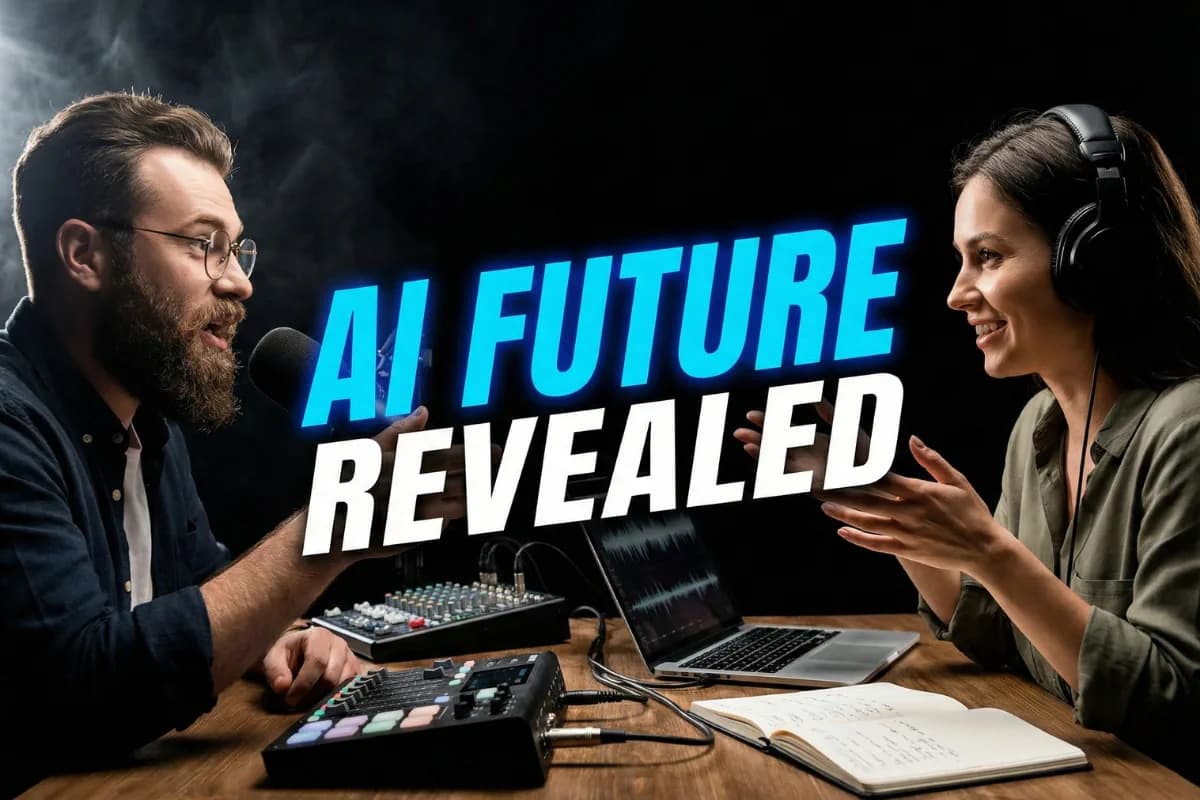
A professional YouTube thumbnail featuring two podcasters and bold text, generated by AI design tool.

Influencers and Content Creators

Transform your editing with the ultimate AI image editor for creators. Design eye-catching YouTube thumbnails instantly using our smart background changer and bold text overlays. Apply unique style transfer effects for your next Instagram Story, and use AI Generative Fill to uncrop photos for perfectly framed Facebook Feeds. This free AI photo editor ensures your visuals stand out across every social platforms, helping you grow your audience effortlessly.

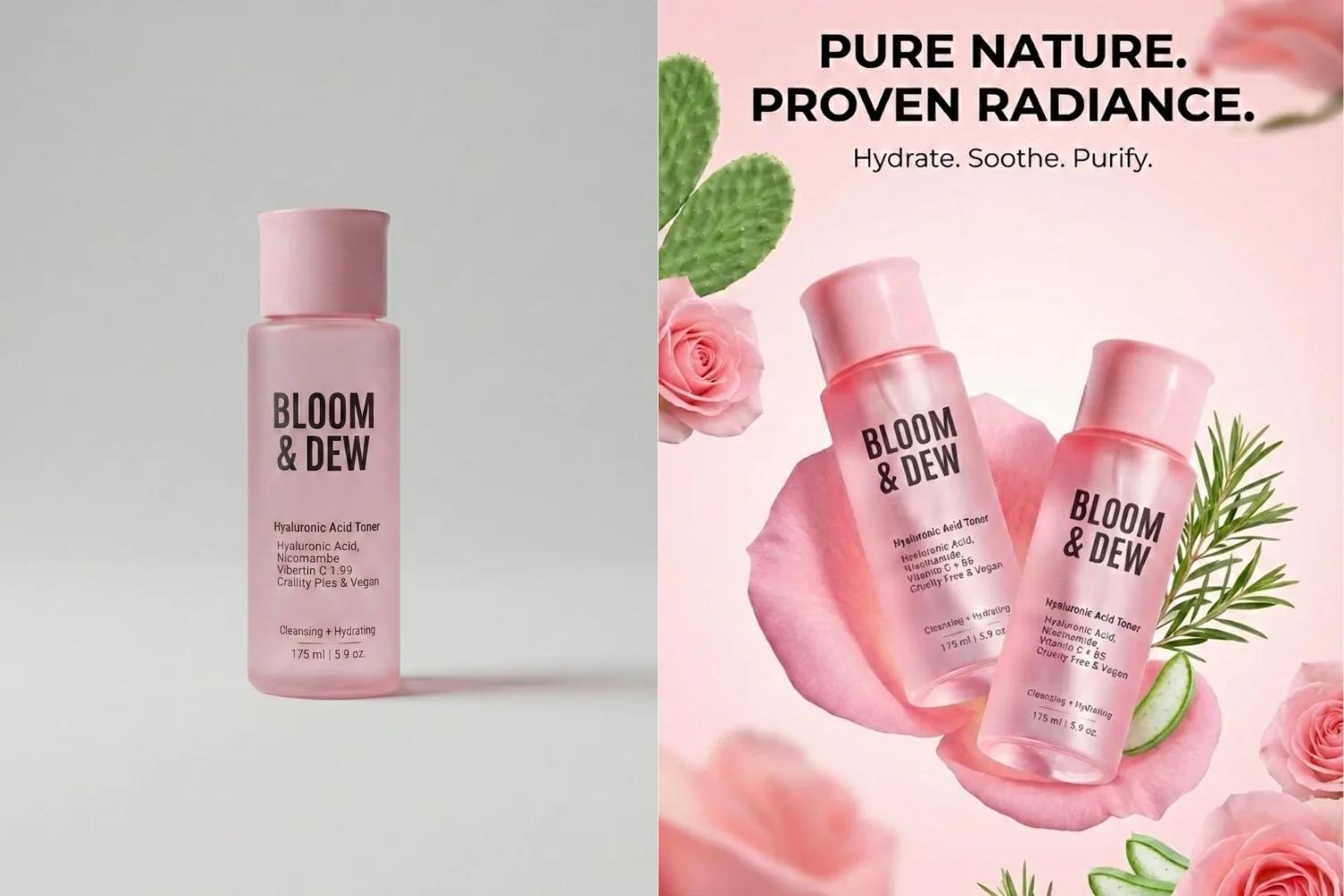
Split screen showing a plain skincare bottle turned into a stunning floral ad poster using AI image generator.

Business Professionals & Marketers

Tailored for Marketers, Designers, and Business Professionals, our AI image editor accelerates your creative workflow. Instantly remove unwanted text or objects to clean up commercial assets, and fix lighting for polished presentations. Need high-resolution visuals for print flyers? Upscale images up to 4K without losing quality. From designing ad creatives to enhancing brand identity, this AI photo editor delivers agency-level results that impress clients.

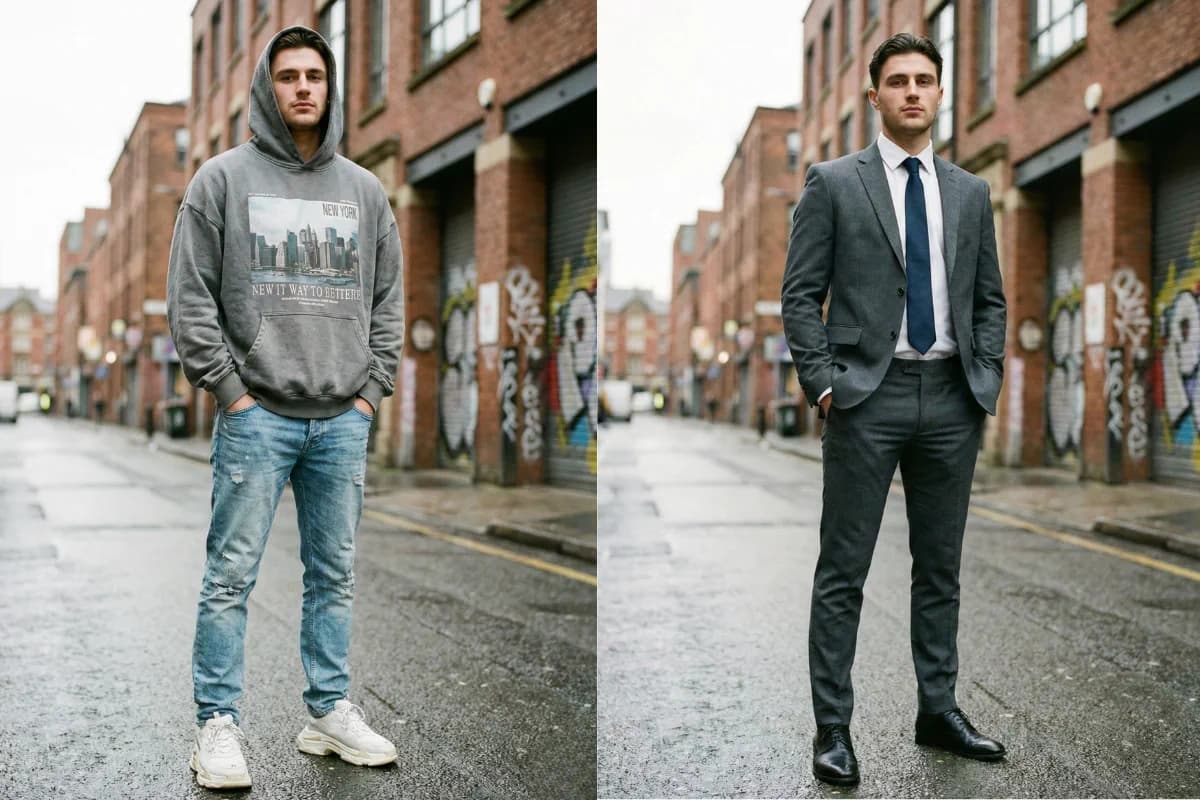
Split screen of a man's outfit changing from a casual hoodie to a formal business suit using AI photo editing tool.

Personal Use

Perfect for your everyday editing needs! Use this AI image editor to restore old photos, remove unwanted objects, or change clothing and hair color in your favorite travel photos. Quickly get professional-grade headshots or a subtle face retouch for your social profiles. Our AI photo editor makes preserving memories and enhancing your personal photos fast, fun, and incredibly easy for everyone.

stats

Trusted by Creators and Teams

Used daily for e-commerce, content creation, and professional marketing.

50,000+ Creators

50,000+

Creators

4K Max Output

4K

Max Output

5 Images per Blend

5

Images per Blend

testimonials

What Users Say About Our AI Image Editor

Real feedback from businesses, creators, and everyday users.

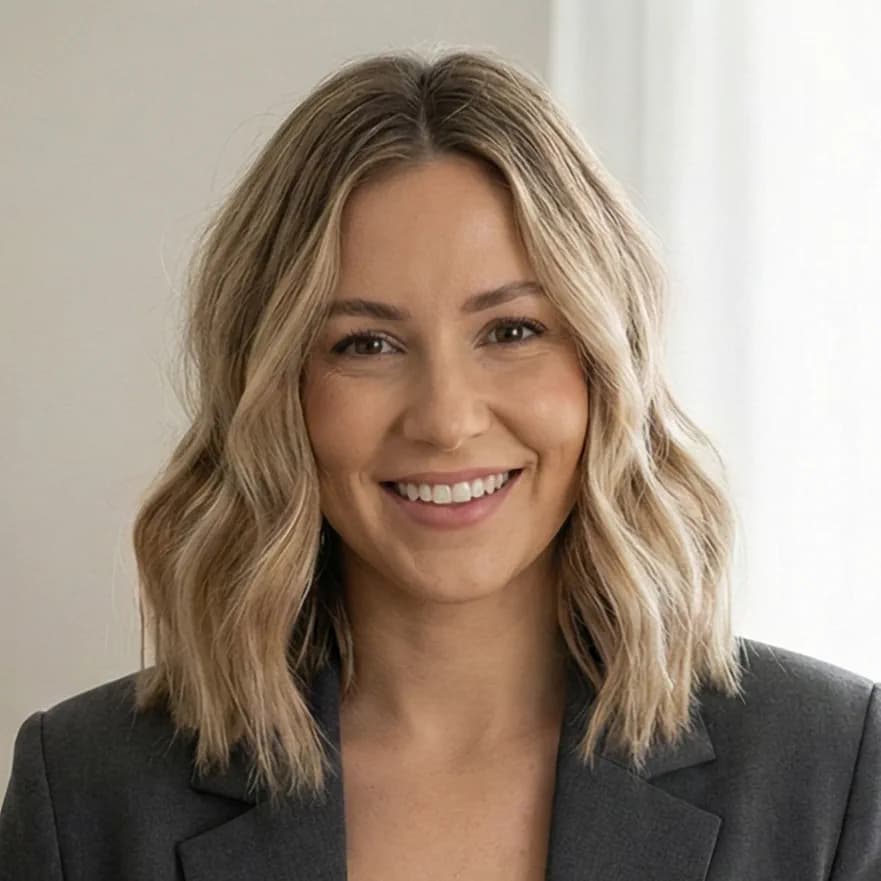
The content consistency is a game-changer. I can swap outfits while keeping the model's face and lighting exactly the same. It’s made my product photos for Shopify look high-end instantly.

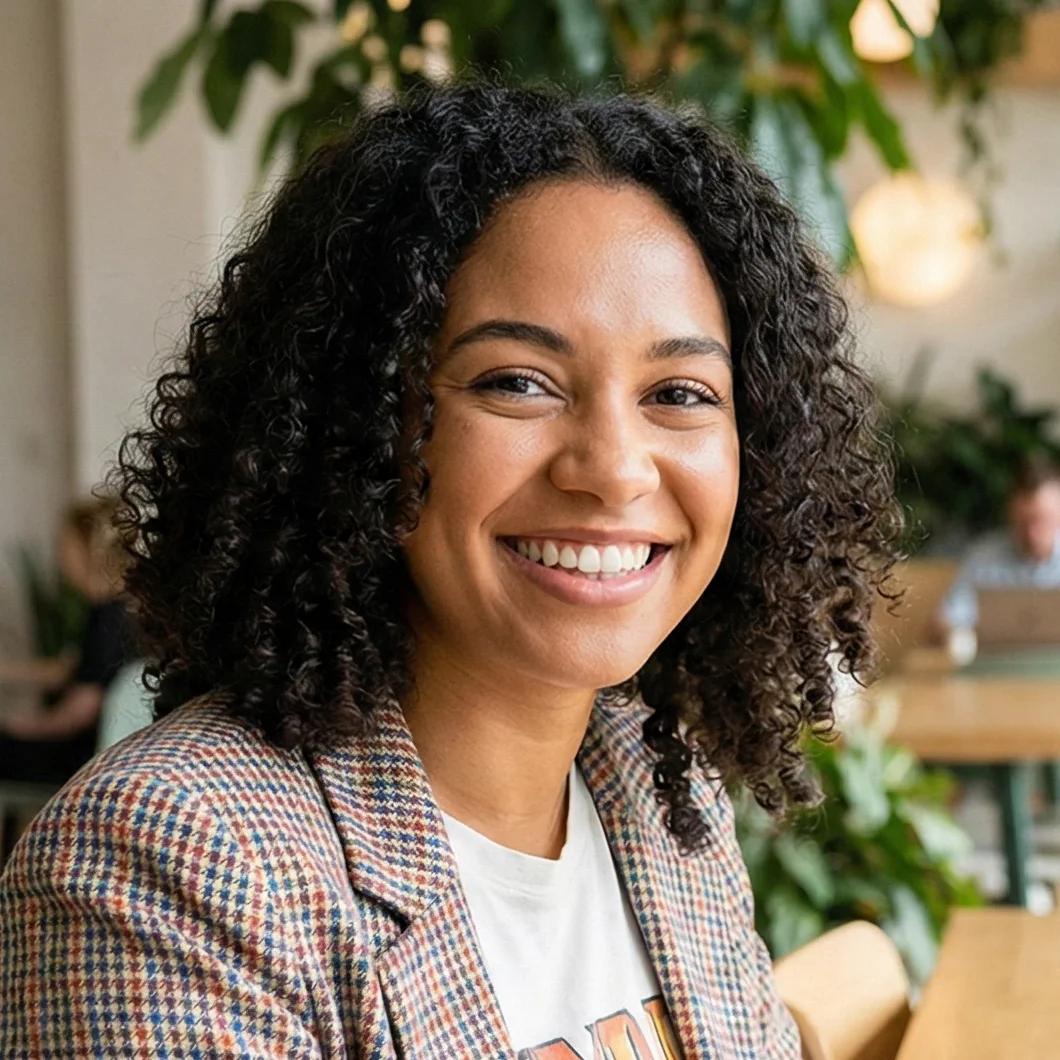
Sarah J., a professional boutique owner, smiling in her clothing studio. She uses the AI image editor for high-end e-commerce product photography and outfit swapping.

Sarah J., Boutique Owner

Sarah J.

Boutique Owner

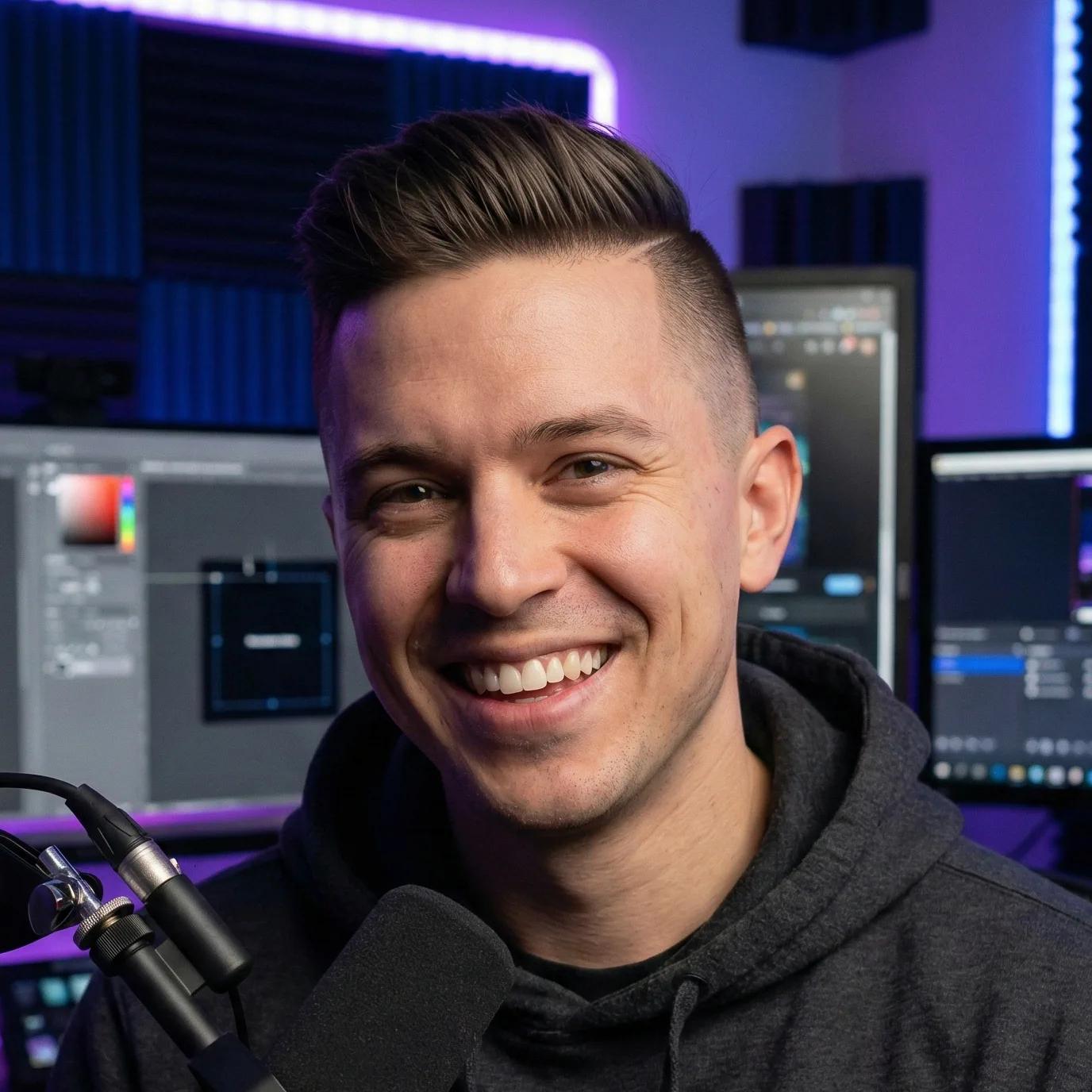
I've tried many tools, but this AI image editor is the only one that blends multiple photos naturally. My YouTube thumbnails look professional now, and the results are always eye-catching.

Marcus V., a tech influencer, in his professional YouTube studio with LED lighting. He uses AI image editing tools to create professional and eye-catching video thumbnails.

Marcus V., Tech Influencer

Marcus V.

Tech Influencer

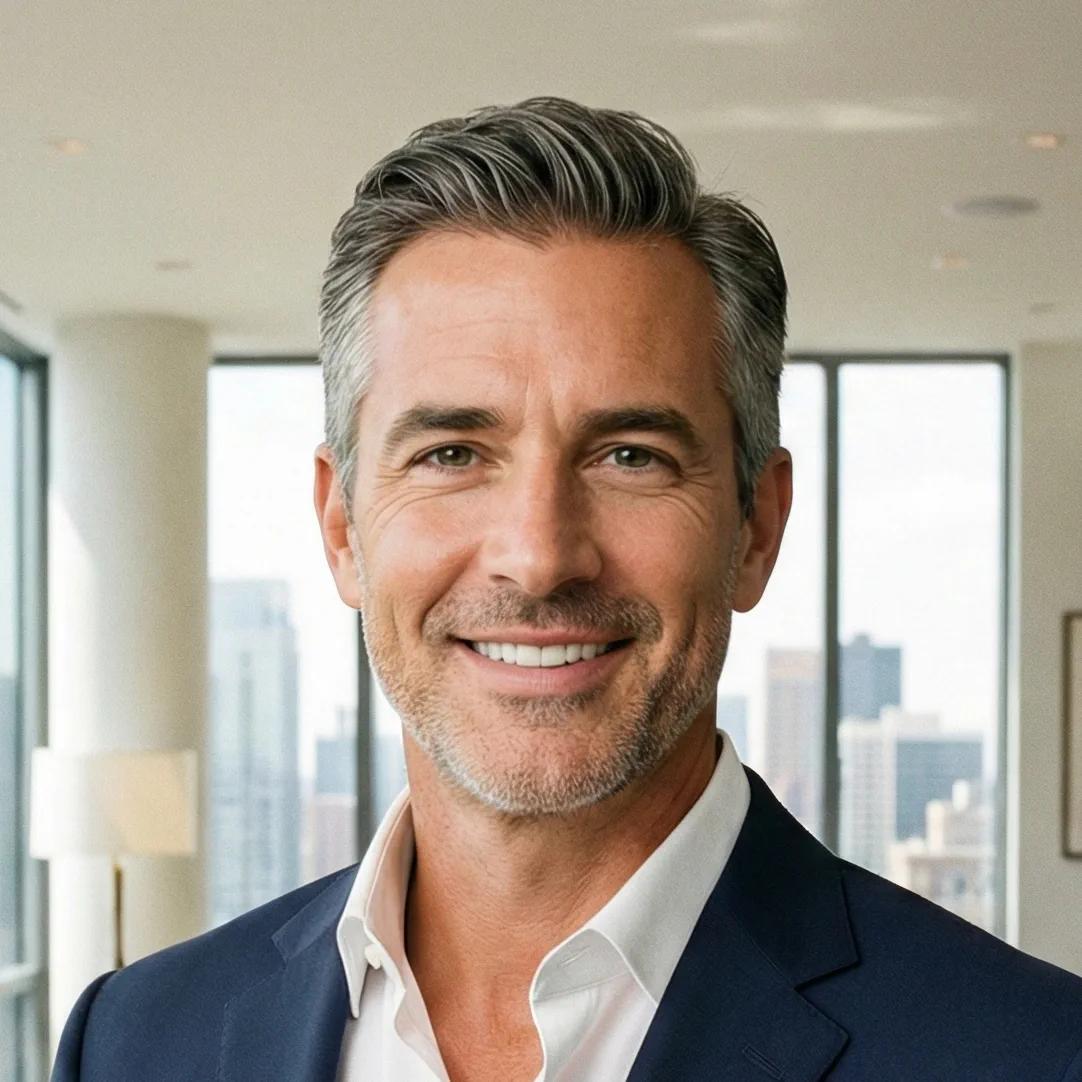
Perfect for Real Estate Agents. I use the brush tool to clean up interiors and fix lighting in seconds. The high-definition quality makes my marketing materials look polished and expensive.

A professional headshot of David L., a real estate agent, in a luxury apartment. He uses the AI photo editor to clean up interior property photos for high-quality marketing materials.

David L., Realtor

David L.

Realtor

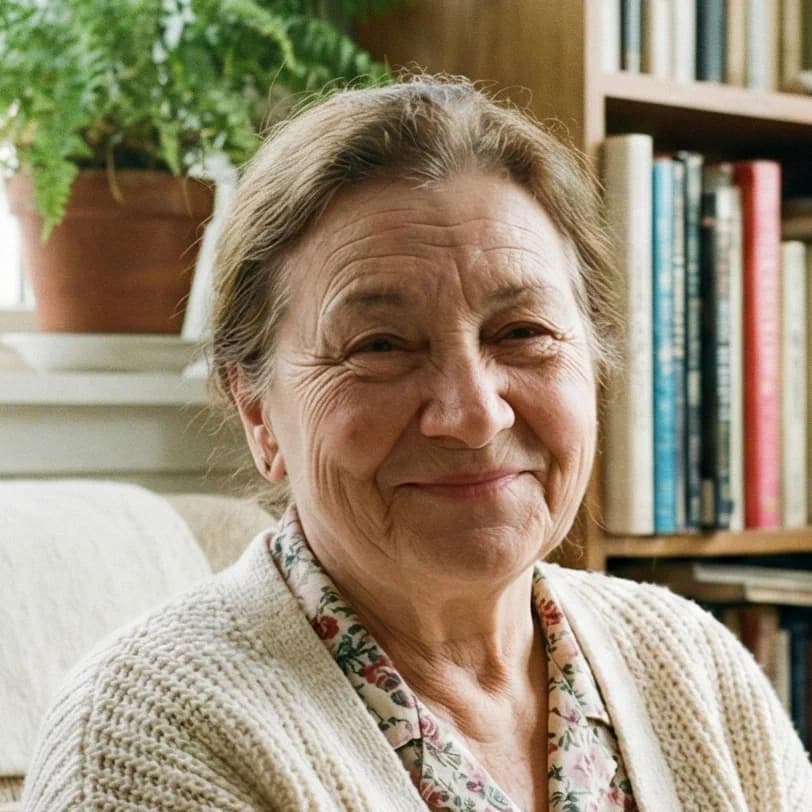
I used this AI photo editor to restore old photos of my family. It removed scratches and fixed colors perfectly. The fact that it’s free with no watermark is honestly unbeatable.

A warm portrait of Elena R., a hobbyist photographer, in a cozy living room. She uses the free AI editor for family photo restoration and removing scratches from old pictures.

Elena R., Hobbyist

Elena R.

Hobbyist

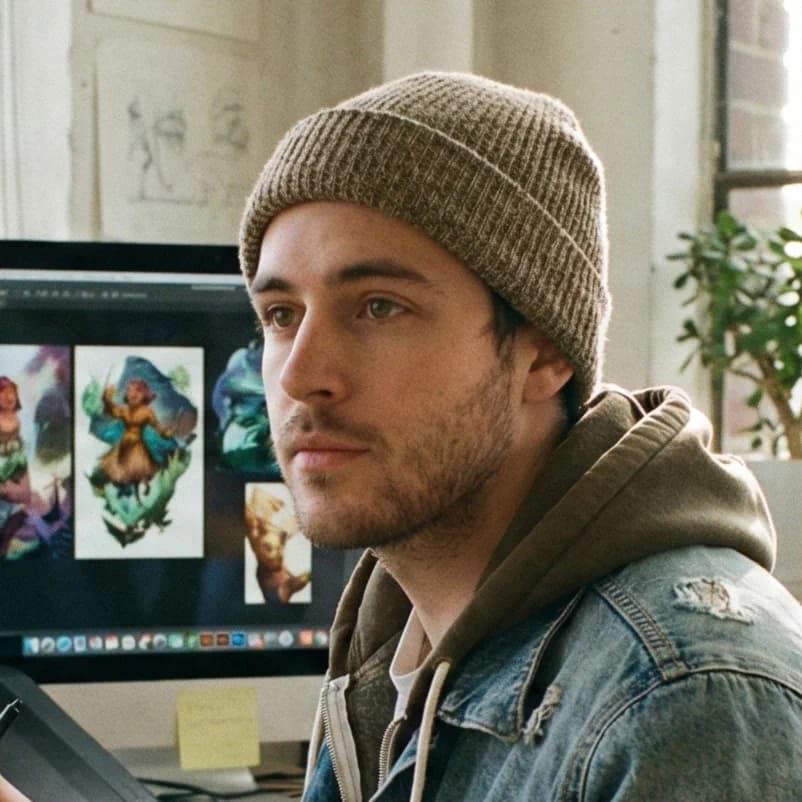
The Prompt-Based AI image editor tool is like having a junior designer who never gets tired. I can just describe a complex lighting change or ask to 'add a cinematic fog' and it happens instantly. It has effectively slashed my project turnaround time by half.

Jordan K., a freelance digital artist, working at his desk with a drawing tablet. He uses natural language prompt-based editing to speed up his creative design workflow.

Jordan K., Freelance Illustrator

Jordan K.

Freelance Illustrator

I can take a single product shot and generate a dozen different seasonal backgrounds just by typing. This AI photo editor allows our brand to stay on-trend and keep the feed fresh without the massive cost of multiple photoshoots. The shadows and reflections stay perfect every time.

Sophia W., a social media strategist, in a modern co-working space. She uses the AI background replacement feature to create diverse marketing content from a single product shot.

Sophia W., Social Media Strategist

Sophia W.

Social Media Strategist

faq

Frequently Asked Questions

An AI image editor is a tool that uses artificial intelligence to modify photos via text instructions. To use it, simply upload your file, type a description of what you want-like "change background"-and the AI handles the rest. Our platform simplifies the workflow into three steps: Upload, Prompt, and Generate, making professional-grade photo editing accessible to everyone without needing complex software like Photoshop.

cta

Start Effortless Editing Now with Our AI Image Editor

Upload, chat, and download. It's that simple. Experience the future of AI image editing with our seamless, watermark-free tool. Whether it's for business or personal fun, get studio-quality results without the studio-quality price tag.

Join the community of 50,000+ creators.

Free AI Image Editor Online