Bring web images straight into EasyEditor
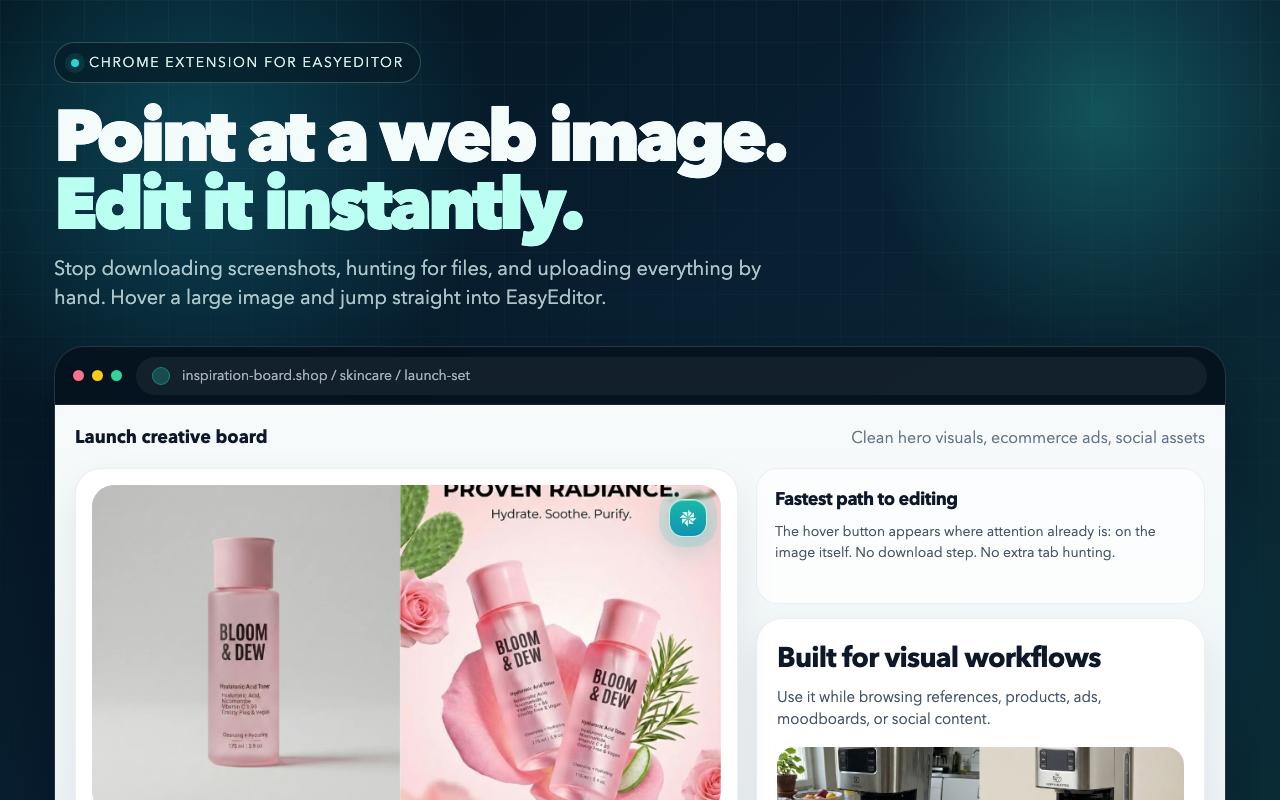
Install EasyEditor Hover Tools to capture images from any webpage and send them into EasyEditor instantly. Keep editing with AI without the usual download and re-upload loop.
What the extension actually looks like
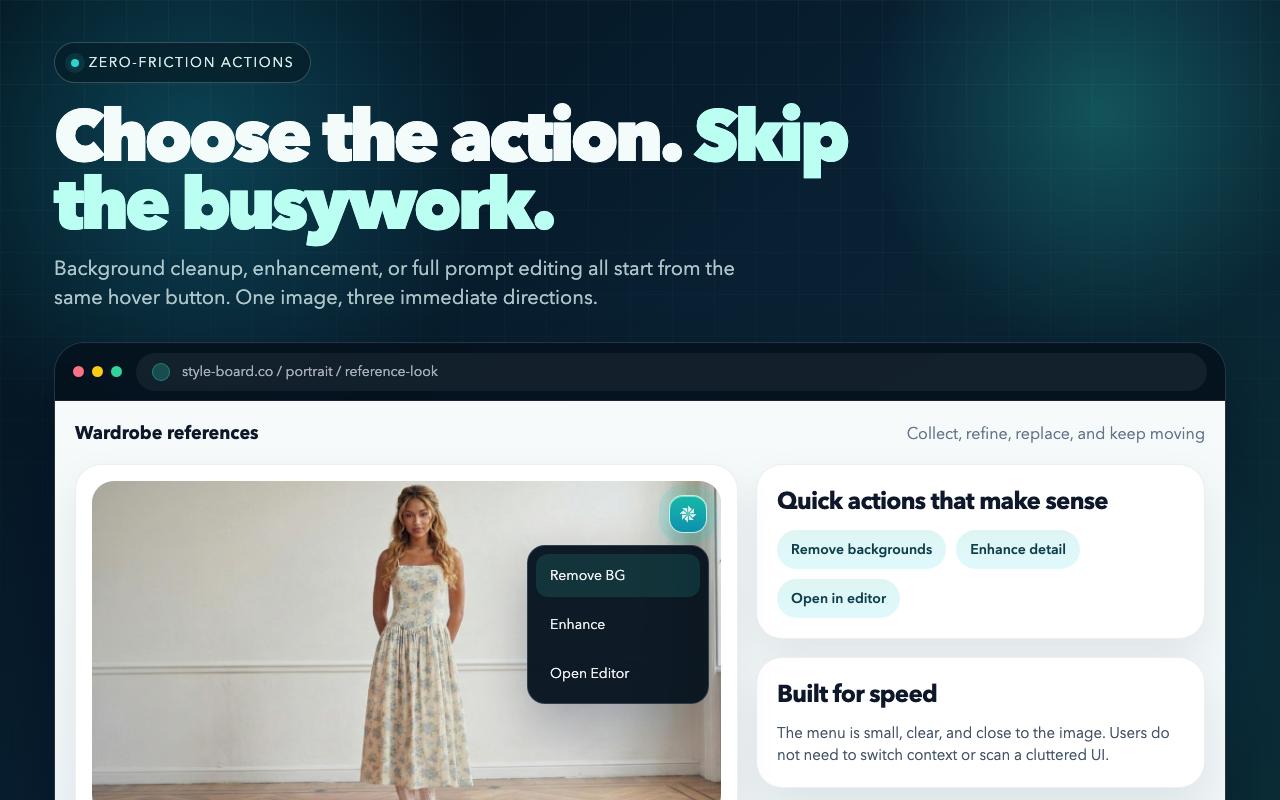
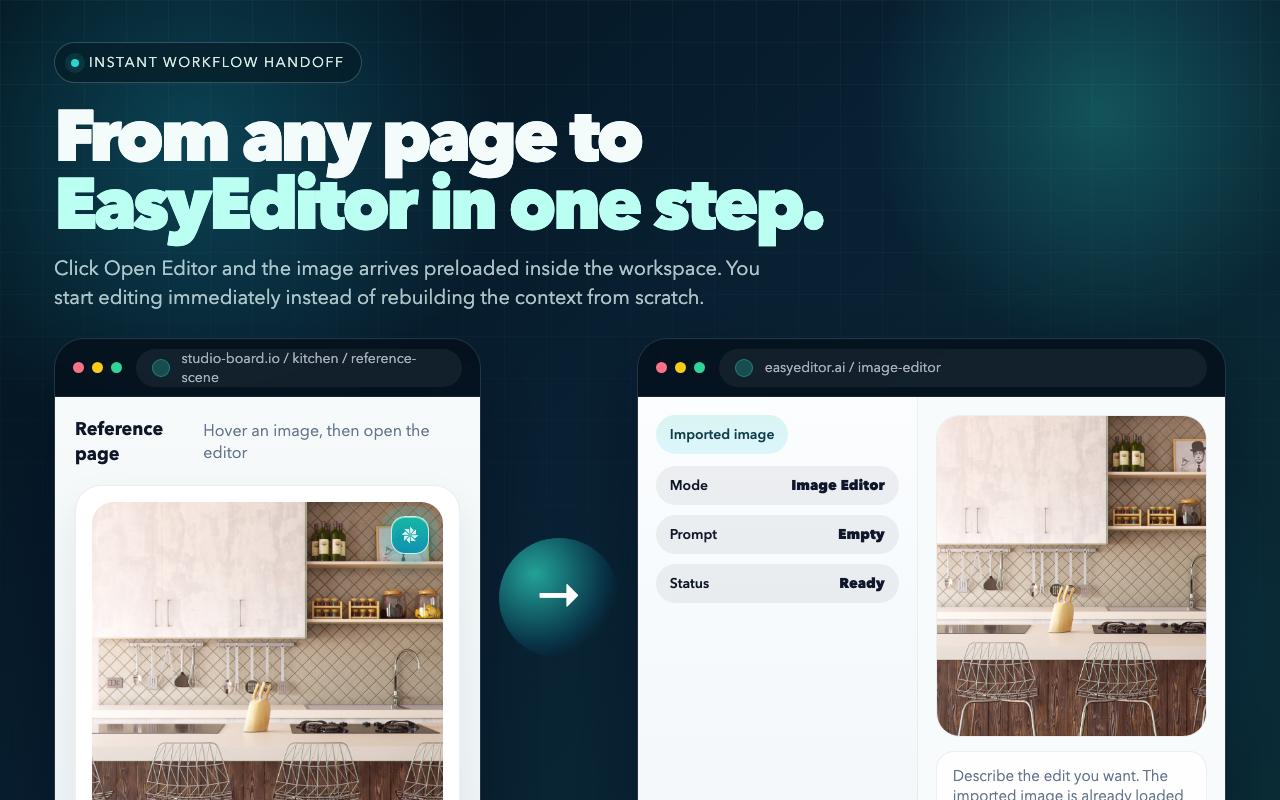
These visuals reuse the core store assets so the page shows the same hover, quick-action, and open-in-editor flow users will see after install.

A faster workflow for web images
Add EasyEditor Hover Tools from the Chrome Web Store.
Use the hover tools on a web image to send it into EasyEditor in one step.
Replace backgrounds, refine objects, fuse references, or export higher-quality results.
This extension is the fastest bridge between images you discover on the web and the full EasyEditor workflow. Product shots, inspiration images, references, and social visuals can all move into your editor immediately.
FAQ
Is the extension a standalone image editor?
No. The extension is a faster capture layer that sends web images into EasyEditor, where the actual AI editing continues.
Do I need to sign in to use the extension?
You can try the basic workflow immediately, but signing in is recommended if you want credits, subscriptions, and premium editing capabilities.
Does the extension read all of my browsing activity?
No. It acts only when you explicitly hover, click, or invoke the menu on a target image. The workflow is designed for intentional capture, not passive browsing collection.
How should the extension visuals evolve next?
Keep the three-step story: hover on the web, choose a quick action, then continue inside EasyEditor. The next upgrade should be one longer hero visual that combines a realistic webpage state with the real EasyEditor editor UI.
If you already use EasyEditor for image editing, the extension shortens the path from finding an image online to actually editing it.